

10 Ways to Use AI Pet Photos on YouTube (Thumbnails, Art, and More)
Quick Answer
The 10 ways to use AI pet photos on YouTube: portrait as thumbnail background, channel art and banner, community post reveal, Shorts cover image, end card visual, pet memorial pinned post, breed guide header, seasonal community post, collaboration announcement graphic, and the annual portrait tradition post.
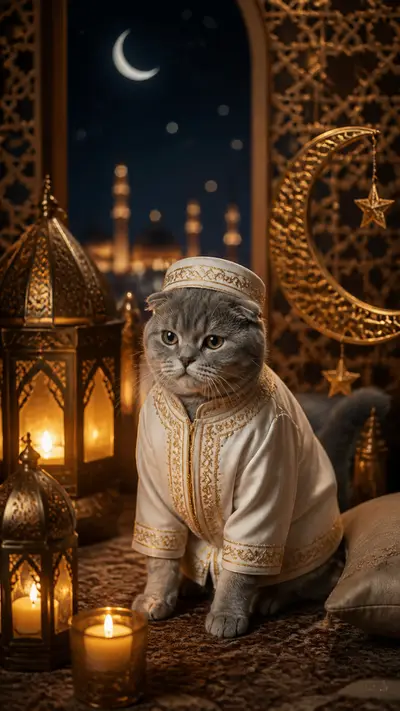
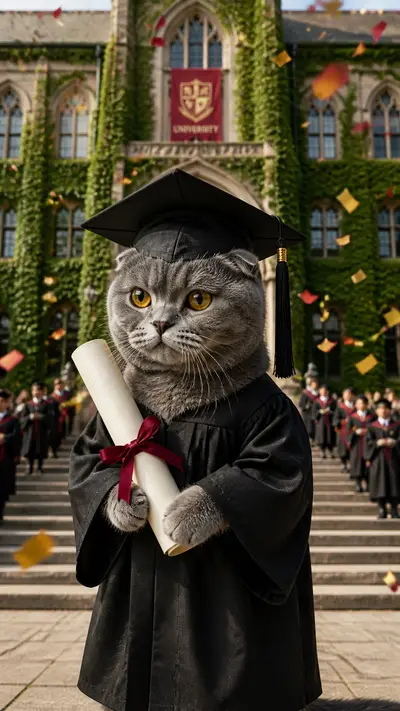
Most YouTube creators focus on video content and ignore the static image touchpoints that also drive clicks and subscriptions. Your channel art, your thumbnails, your Community posts, and your Shorts cover images are all places where a striking AI pet portrait outperforms a casual phone photo. This guide covers 10 specific ways to use Tail Frame portraits on YouTube beyond just making a video about them.
Uses 1-3: Thumbnails and Channel Visual Identity
Use 1 - Thumbnail Background: The most underused application. Use your pet's Royal Portrait or Oil Painting as the background of your video thumbnail. This works for any pet-related video - the portrait background immediately signals "this is a premium pet channel" and stands out in a feed of casual phone photos. Pair with bold text overlay in high-contrast color. Use 2 - Channel Banner: Replace your channel banner with your pet in a wide-format AI portrait. The banner is 2560x1440px - large enough for a landscape-oriented Ghibli or Fantasy portrait to look spectacular. This is the first impression visitors get when they land on your channel page. Use 3 - Channel Icon: Your profile icon is 800x800px. A tight crop of your pet's Royal Portrait face works better than a photo because the painted detail reads clearly at small sizes. The portrait has visual clarity that a phone photo at 100px often loses.
Uses 4-6: Community Posts and Shorts
Use 4 - Community Post Reveal: YouTube Community posts reach your subscribers directly. Post your pet's AI portrait as a Community image with a question: "What style should I do next?" Community posts that ask questions get high comment engagement and resurface in subscriber feeds. Use 5 - Shorts Cover Image: When uploading a YouTube Short, you choose a cover image. Use your pet's AI portrait as the cover for any pet-related Short. Viewers see the portrait in the Shorts feed before tapping - a striking Royal Portrait cover gets more taps than a mid-action blur from the video itself. Use 6 - Pinned Community Post: Pin your best AI portrait as a permanent Community post. New visitors to your channel see it immediately. Caption: "Meet [pet name] - our channel's chief creative officer. 🐾"
Uses 7-10: Video Cards, Memorials, Seasonal, and Collab Announcements
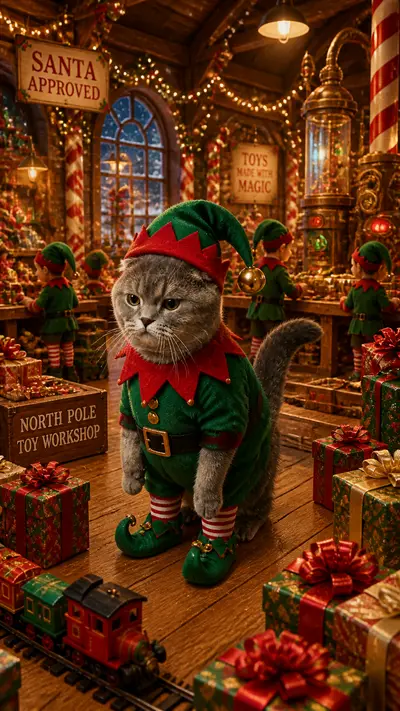
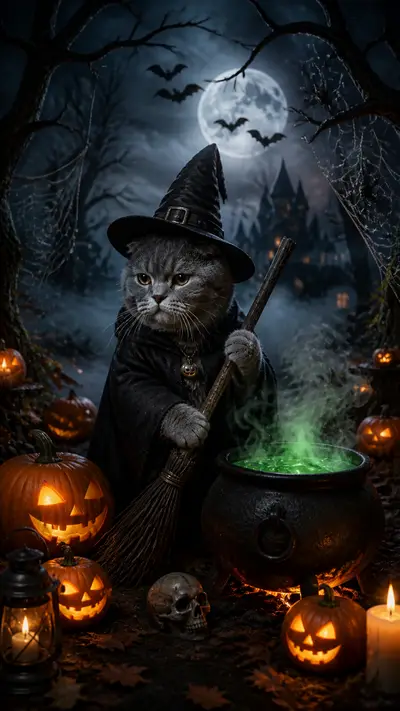
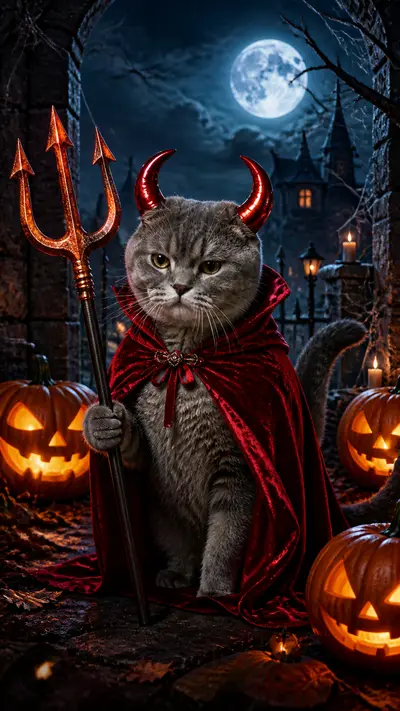
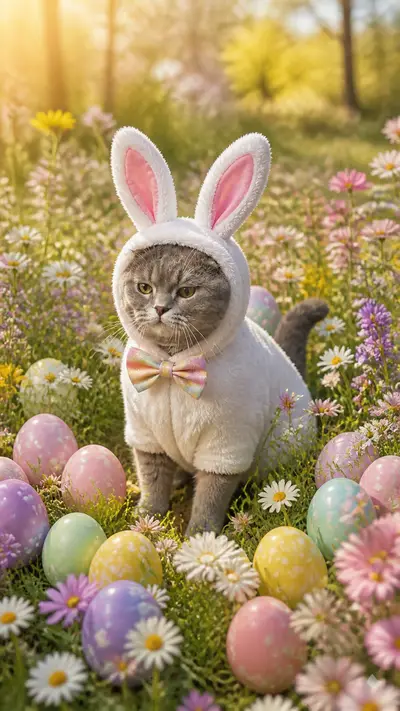
Use 7 - End Card Visual: YouTube end cards appear in the last 20 seconds of your video. Add your pet's AI portrait as a subscribe prompt image: "subscribe for more of [pet name]'s adventures." The portrait is more visually compelling than a standard subscribe button. Use 8 - Memorial Pinned Post: If you've lost a pet, pin a Community post with their AI portrait. "For [name]. Forever on this channel." These posts receive substantial engagement from subscribers who followed the pet through your videos. Use 9 - Seasonal Community Post: Post holiday AI portraits (Christmas Santa, Halloween) as Community posts in the relevant season. Seasonal content in Community posts gets high engagement from subscribers who miss the posts on other platforms. Use 10 - Collaboration Announcement: Use split-image AI portraits (your pet + collaborator's pet, both in the same style) as the graphic for collaboration announcement Community posts. Visually distinctive, reaches both audiences.
Create your YouTube-ready AI pet portrait - packs from $4.99, no subscription
165+ styles. No subscription. Results in 60 seconds.
Try Tail Frame FreeFrequently Asked Questions
Yes - AI pet portraits make excellent thumbnail backgrounds. The painted, high-contrast style of Royal Portrait and Oil Painting reads clearly at thumbnail size and stands out in a feed of regular photos.
Download the high-resolution Tail Frame result (it's print-quality). YouTube thumbnails are 1280x720px, channel banners are 2560x1440px, and channel icons are 800x800px. The Tail Frame output is large enough for all of these.
Yes - Community posts with images and a question consistently outperform text-only posts. An AI portrait paired with "what style should I do next?" generates comments that resurface the post in subscriber feeds.
Royal Portrait and Oil Painting have the strongest visual contrast and detail that reads clearly at thumbnail size. Avoid styles with dark backgrounds for thumbnails - they get lost on YouTube's white/gray interface.
Yes if your channel is pet-focused. The painted detail of an AI portrait reads better at small sizes than a casual phone photo, and it signals a more polished channel identity.