How to Make AI Photos of Your Pet (Step-by-Step Guide 2026)
Quick Answer
To make AI photos of your pet, upload a clear photo of your pet to an AI generator like Tail Frame, choose a style (royal portrait, astronaut, superhero, and 160+ more), and click generate. Your AI pet photo is ready in about 60 seconds. No subscription - credit packs start at $4.99 and credits never expire.
AI pet photos have exploded in popularity over the past two years. What used to require a professional studio and hundreds of dollars in editing fees can now be done in under a minute on your phone. The results are stunning: your dog dressed as a medieval knight, your cat floating through space, your rabbit painted in a Renaissance oil-portrait style. If you've been wondering how to make AI photos of your pet, you're in the right place. This guide walks you through the entire process step by step - from choosing the right source photo to downloading and sharing your finished AI pet portrait. Whether you want a funny image to post on Instagram, a beautiful framed print, or a one-of-a-kind gift for a fellow pet lover, the process takes less than two minutes from start to finish.
Step 1: Choose a Good Source Photo
The quality of your AI pet photo depends heavily on the source image you upload. The AI needs to clearly see your pet's face, fur texture, and distinctive features to preserve them in the generated image. Use a well-lit photo where your pet's face is front and center, ideally filling at least half the frame. Avoid dark or blurry photos, images where your pet is at an extreme angle, or shots where another animal or person is blocking the subject. Natural daylight works best - photos taken near a window or outdoors on an overcast day give the AI the most detail to work with. If your pet moves a lot, use burst mode on your phone camera and pick the sharpest frame. A 1–2 MB JPEG or PNG is ideal; very large files are fine but won't improve results, and very small compressed images can reduce quality.
Step 2: Pick Your Style
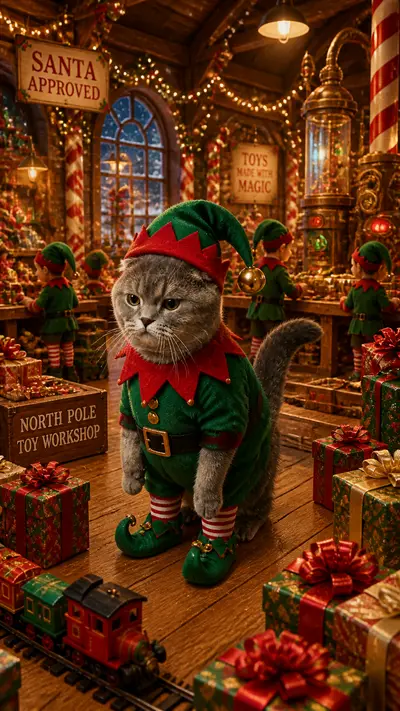
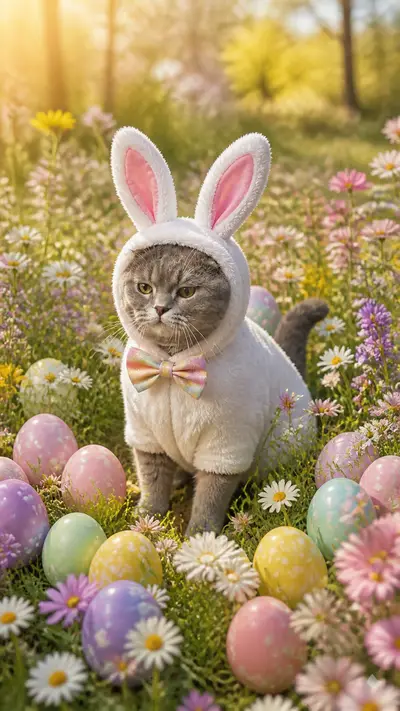
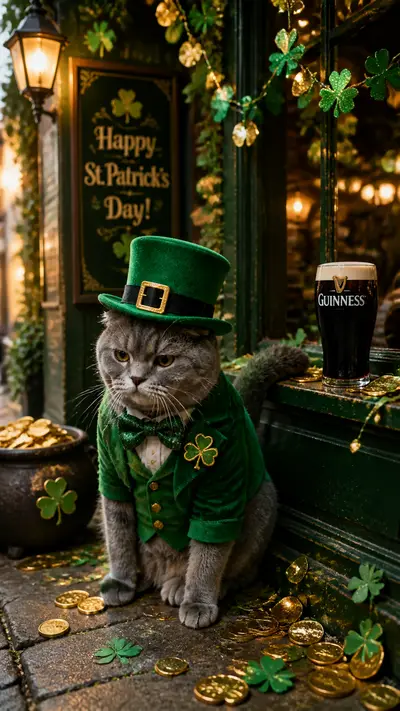
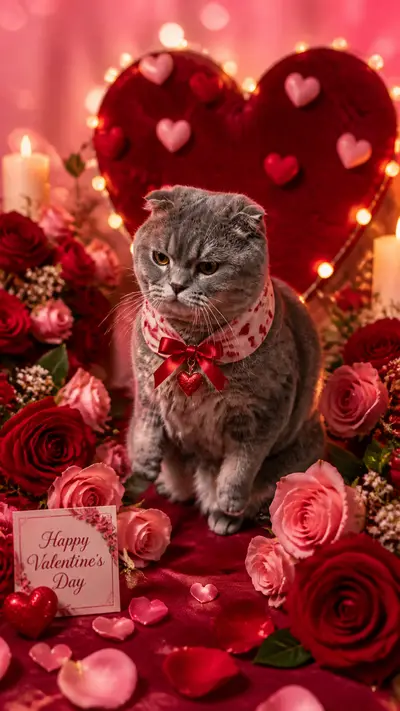
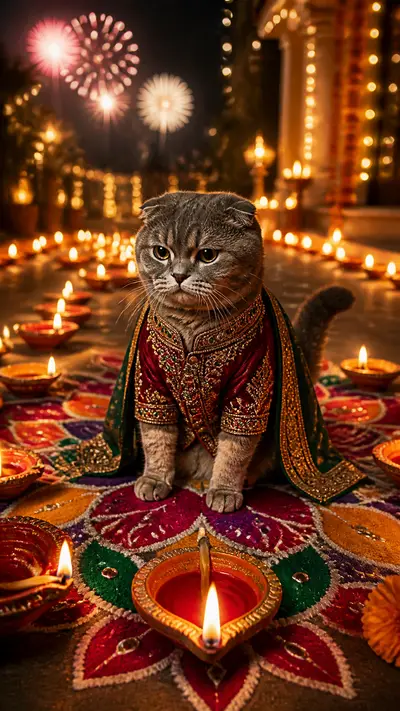
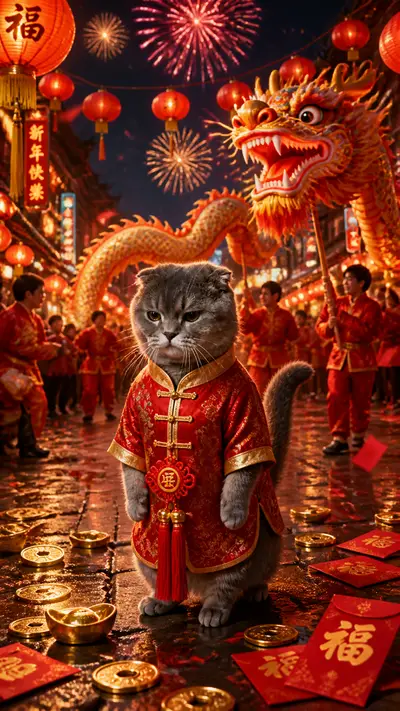
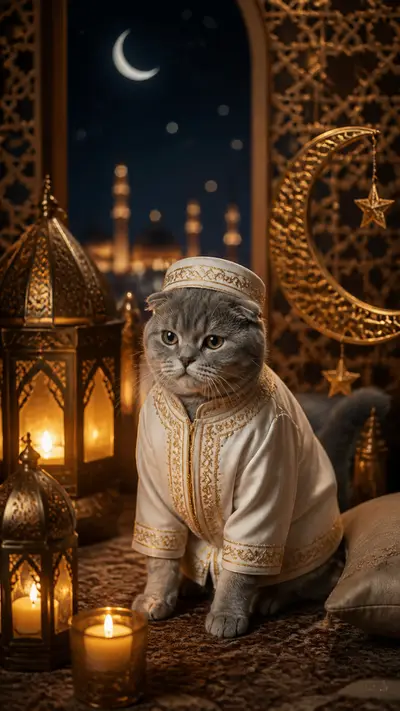
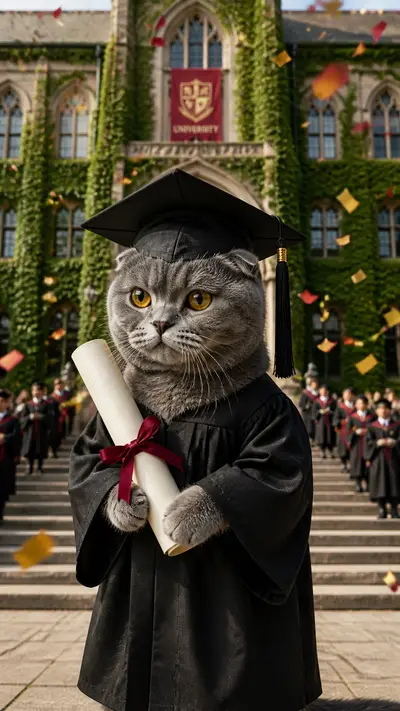
This is the fun part. Tail Frame offers 250+ styles across every category imaginable: royal portraits, space adventures, superhero scenes, anime art, oil paintings, seasonal holiday themes, funny pop-culture parodies, and more. Browse the styles gallery and pick one that matches your vision. If you're making a gift, consider what the recipient loves - a Star Wars fan will love a Jedi Knight style, a nature lover might prefer a forest explorer scene. If you're posting to social media, high-contrast, eye-catching styles like "neon glow" or "superhero" tend to get the most engagement. New styles are added every week, so check the New section regularly. Each style card shows an example output so you know exactly what to expect before you spend a credit.
Step 3: Upload Your Photo and Generate
Once you've chosen your style, you'll be taken to the generation page. Click the upload button, select your photo from your device, and wait a moment for it to upload. The system checks your photo automatically - if it can't clearly detect a pet, it will let you know so you can try a different image. Once your photo is ready, hit the Generate button. The AI model processes your image and the style together, producing a result in roughly 60 seconds depending on server load. You'll see a progress indicator while it works. When the result appears, you can download the full-resolution image immediately. If you're not happy with the result, generate again - the AI uses a degree of randomness so each generation is slightly different. Most users find a result they love within one or two tries.
Step 4: Download, Share, and Print
Your finished AI pet photo downloads as a high-resolution image suitable for printing up to 12×12 inches. From there, the options are endless. Share directly to Instagram or TikTok using the share buttons on the result page. Send it as a reaction in a group chat. Order a canvas print through any online print service - the file resolution is print-ready right out of the box. You can also save multiple versions to compare styles: some users generate the same pet in five different styles and use them as a rotating wallpaper collection. All generated images are saved to your account gallery, so you can come back and download them any time. There's no expiry on your generated images.
Tips for the Best Results
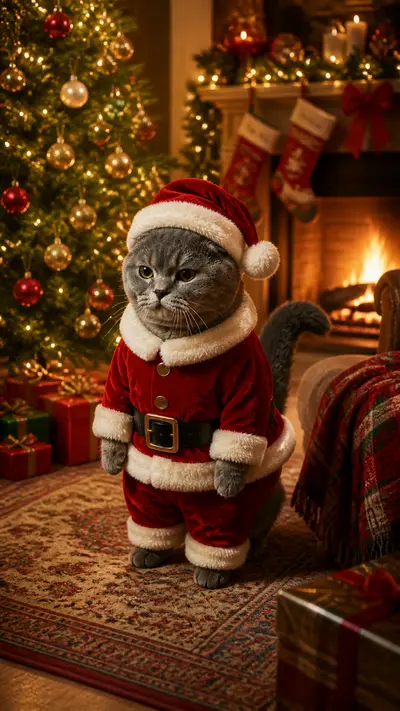
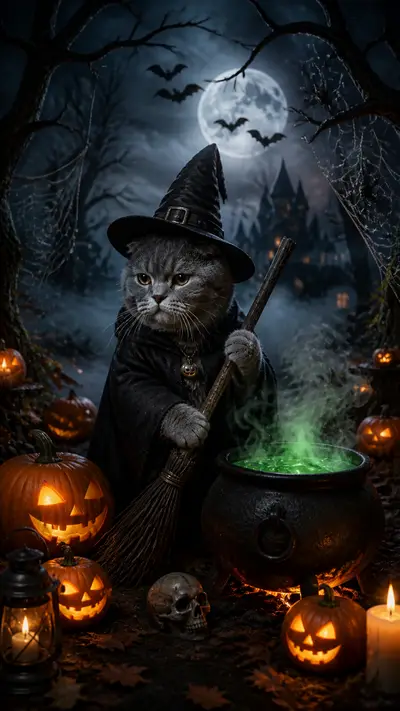
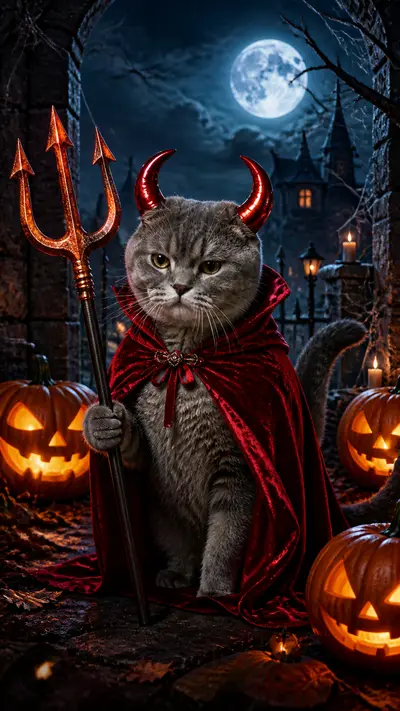
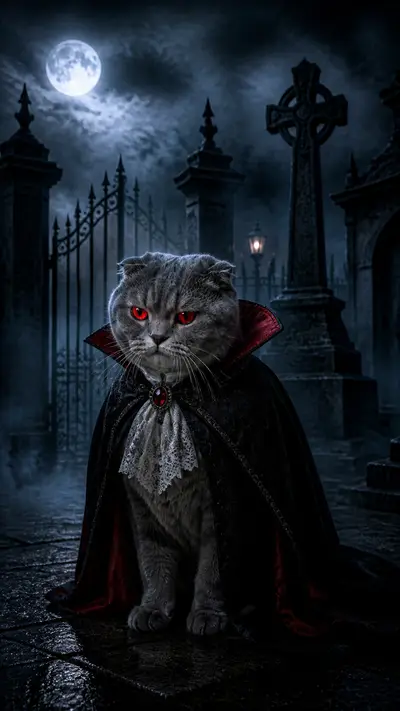
A few extra tips from experienced users: First, close-up portraits work better than full-body shots for most styles - the AI focuses on facial detail. Second, cats and dogs with distinctive markings or unusual colors (calico, husky two-tone, orange tabby) produce especially striking results because the AI preserves those unique features. Third, if you want your pet to appear in a specific pose (sitting, standing, looking heroic), look for styles that describe that pose in their title or description. Fourth, breeds with flat faces (Persians, Bulldogs, Pugs) may require a slightly sharper source photo since there's less facial depth for the AI to work with. Finally, try seasonal styles around holidays - a Halloween costume AI photo or a Christmas portrait makes for a memorable and inexpensive holiday card.
Try Tail Frame - packs from $4.99, no subscription
165+ styles. No subscription. Results in 60 seconds.
Try Tail Frame FreeFrequently Asked Questions
Tail Frame uses credit packs with no subscription - the starter pack is $4.99 for 10 image credits. Each image credit generates one AI pet photo, and credits never expire. Sign up with your email or Google account, grab a pack, and start generating.
Upload a clear, well-lit photo where your pet's face is visible and fills most of the frame. JPEGs and PNGs both work. Avoid blurry, dark, or heavily cropped images.
Most AI pet photos are ready in 60–90 seconds. During peak hours it may take up to 2 minutes. You'll see a progress bar while it generates.
Yes - all images generated on Tail Frame are yours to use however you like, including printing products to sell or using in commercial social media content.
Simply generate again. Each run produces a slightly different result due to the AI's creative randomness. Most users find a result they love within two or three generations.