








10 AI Pet Video Ideas for Pinterest That Drive Traffic (2026)
Quick Answer
10 AI pet video ideas for Pinterest: generation process pin, before/after video pin, seasonal style video, gift idea video pin, tutorial Idea Pin, breed heritage video, memorial tribute pin, compilation video pin, "how it works" explainer, and the shoppable video pin with Tail Frame link.
Pinterest added native video pins and Idea Pins (multi-page story format) because video drives 2-3x more engagement than static images on the platform. For AI pet content, video works on Pinterest differently than on TikTok or Instagram: Pinterest viewers are in discovery mode, looking for ideas to try later. A video that shows a pet being transformed from a phone photo into a royal portrait in 60 seconds perfectly matches that "I want to try this" intent.
Video Pin Formats 1-4
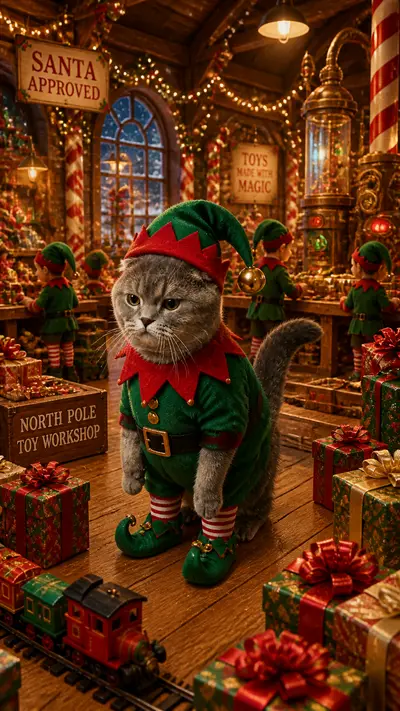
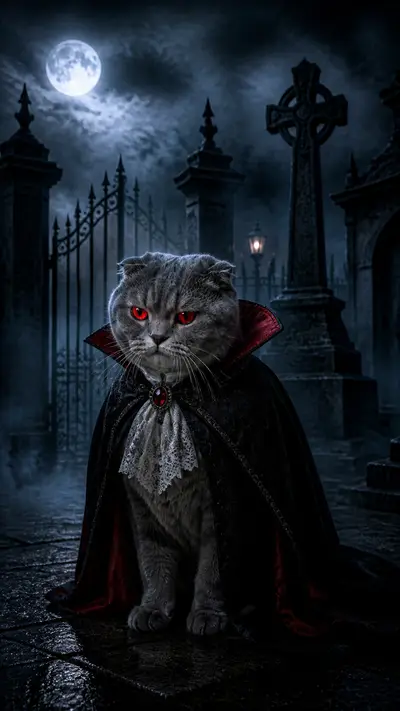
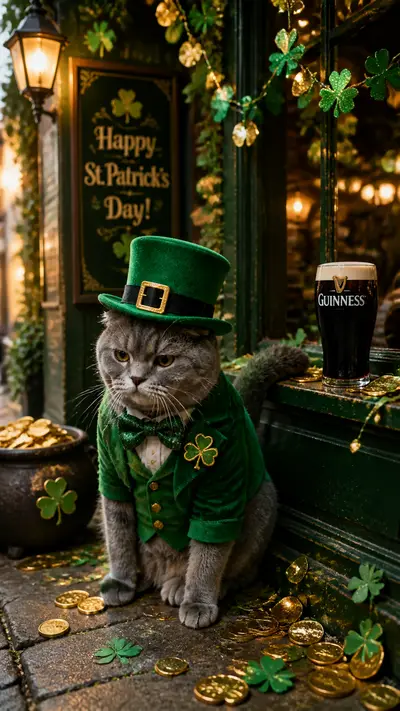
Format 1 - Generation Process Pin: 60-90 second screen recording of the full Tail Frame process. Upload, style select, generate, reveal. Add text overlay: "AI pet portrait in 60 seconds." Pinterest users save process videos because they want to replicate the process. This is the highest-save video format for AI pet content on Pinterest. Format 2 - Before/After Video Pin: 10-15 second video transitioning from the original pet photo to the AI result. No voice-over needed. Add title text: "phone photo → royal portrait" and a subtitle: "Tail Frame - packs from $4.99." Format 3 - Seasonal Style Video: 15-30 second video showing a holiday AI portrait being generated. Christmas Santa in October, Halloween in August. Pinterest seasonal content gets discovered weeks before the date, so early posting is essential. Format 4 - Gift Idea Video: Show the generation process and a printed result in a frame. "Perfect gift for pet owners. from $4.99." Pinterest gift idea videos have extremely high click-through rates because visitors are in shopping mode.
Idea Pin Formats 5-8
Format 5 - Tutorial Idea Pin: Pinterest's Idea Pin format (multi-page, up to 20 pages) is perfect for a step-by-step tutorial. Page 1: "How to make an AI pet portrait." Pages 2-6: each step of the process with screenshots. Page 7: the result. Idea Pins cannot be linked, but they drive profile follows and later click-through via regular pins. Format 6 - Breed Heritage Idea Pin: Multiple pages showing a breed's history, the culturally matched AI style, and the result. Educational Idea Pins get saved at very high rates on Pinterest because they feel like curated knowledge. Format 7 - Style Guide Idea Pin: "Which AI style fits your pet's personality?" Each page shows one style with a personality descriptor. "Royal Portrait: for the dignified pet." "Astronaut: for the adventurous one." Drives follows and saves. Format 8 - Memorial Tribute Idea Pin: A gentle multi-page tribute. Pet's name and dates, their favorite things, the AI portrait. These pins circulate in "pet loss" and "pet memorial" searches for months.
Formats 9-10: Shoppable and Compilation Pins
Format 9 - Shoppable Video Pin: Pinterest allows you to add product links to video pins. Create a before/after video pin and add a direct link to Tail Frame's pricing page or a specific style page. Label the pin with the price: "from $4.99." Pinterest shopping pins reach users who are ready to buy. Format 10 - Compilation Video Pin: 30-60 seconds of rapid-fire AI pet portrait reveals. One breed every 3-4 seconds, 10-15 total. "10 breeds, 10 AI styles. which is your pet?" Add a Tail Frame link. Compilation pins work as discovery content that then drives follow-through traffic to the site.
Create your Pinterest-ready AI pet portrait - packs from $4.99, no subscription
165+ styles. No subscription. Results in 60 seconds.
Try Tail Frame FreeFrequently Asked Questions
Yes - video pins get 2-3x more engagement than static images on Pinterest. The before/after transformation format is especially effective because it shows both the process and the result.
60-90 seconds for process/tutorial pins, 15-30 seconds for reveal and seasonal pins. Pinterest supports videos up to 15 minutes, but shorter videos get higher completion rates.
When creating a pin, use the "Create Pin" option (not Idea Pin) and add your destination URL. Video pins support direct links. Idea Pins do not support links but drive follows.
Yes - shoppable video pins with a direct link to Tail Frame pricing or a specific style page drive click-through traffic from Pinterest users who are in discovery and purchase mode.
The generation process video (showing the full upload-to-result in 60-90 seconds) drives the most saves because viewers want to replicate it. Seasonal video pins drive the most seasonal traffic spikes.