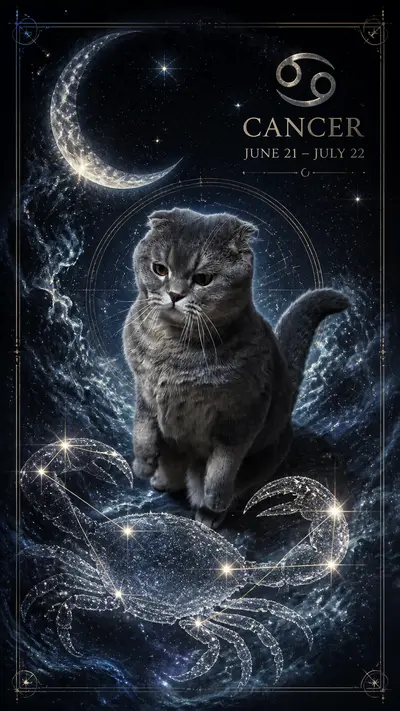
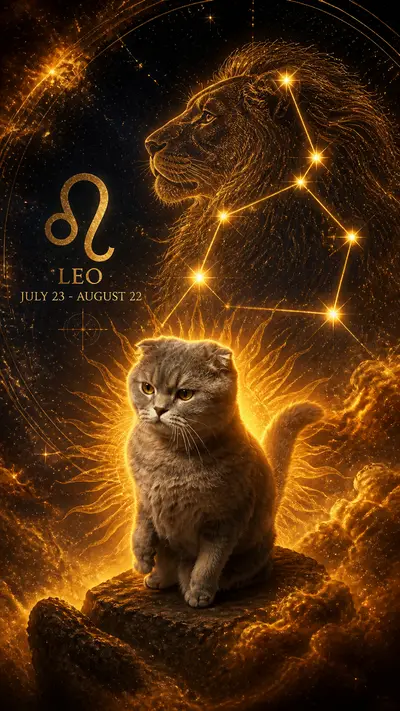
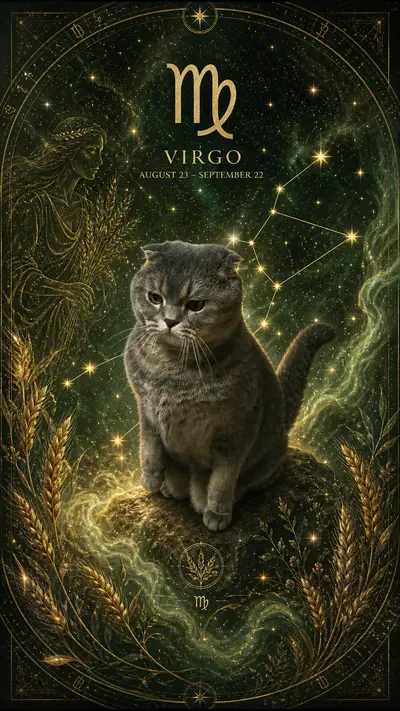
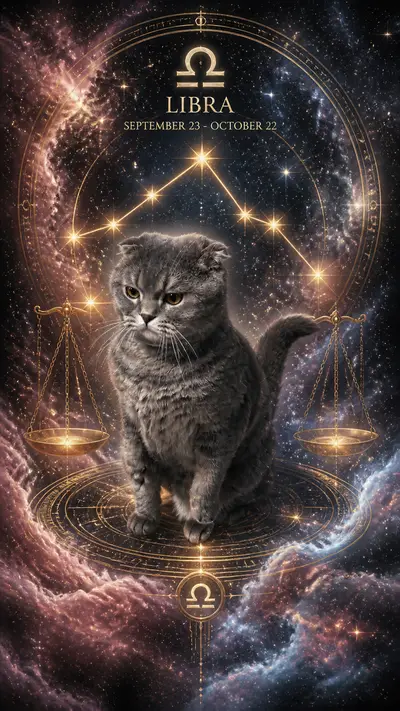
How Does an AI Pet Photo Generator Work? A Plain-English Guide
Quick Answer
An AI pet photo generator works by using a diffusion model to analyze your uploaded photo, extract your pet's distinctive features, and blend them with the visual style you select. The result is a new image that looks like your specific pet rendered in that style. The entire process takes about 60 seconds on Tail Frame.
If you've ever uploaded a photo of your dog or cat and received back a stunning oil painting or a space-explorer portrait, you've experienced AI pet photo generation firsthand. The results can feel almost magical. But the technology behind them is concrete and explainable. Understanding how AI pet photo generators work helps you get better results, choose the right source photos, and understand why some styles look more realistic than others. This guide explains the entire process in plain English, from the moment you upload a photo to the moment a finished portrait appears on your screen.
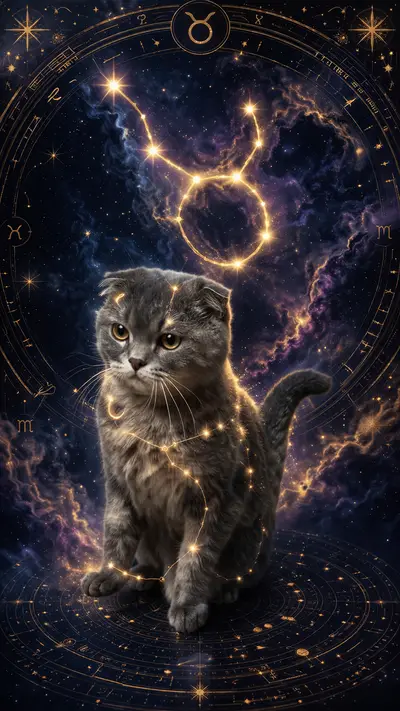
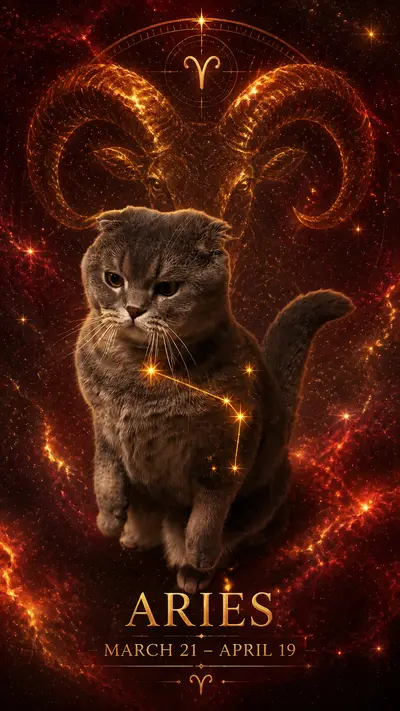
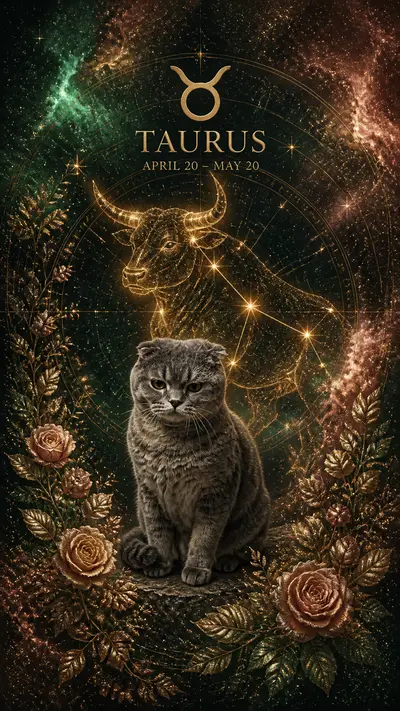
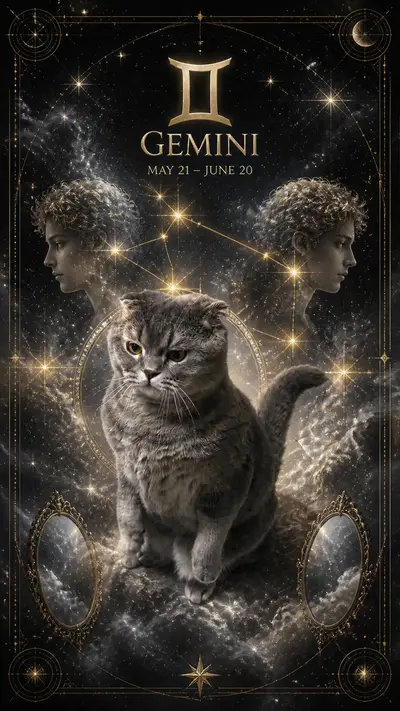
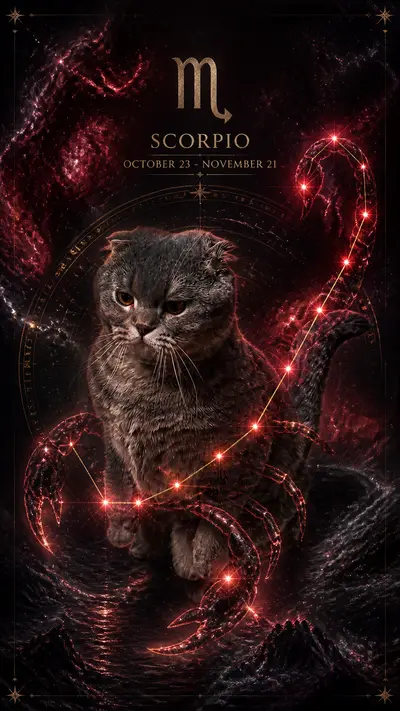
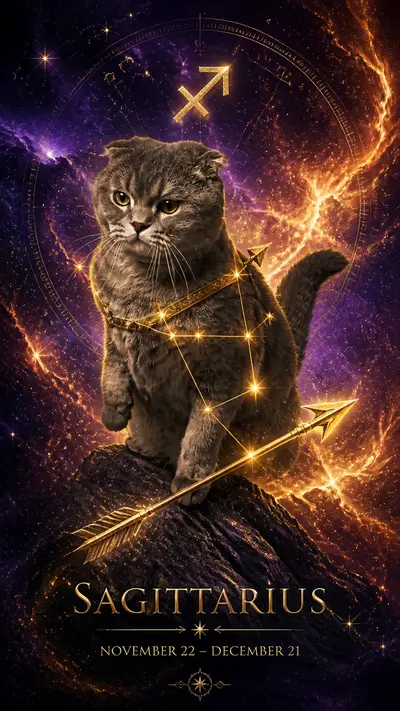
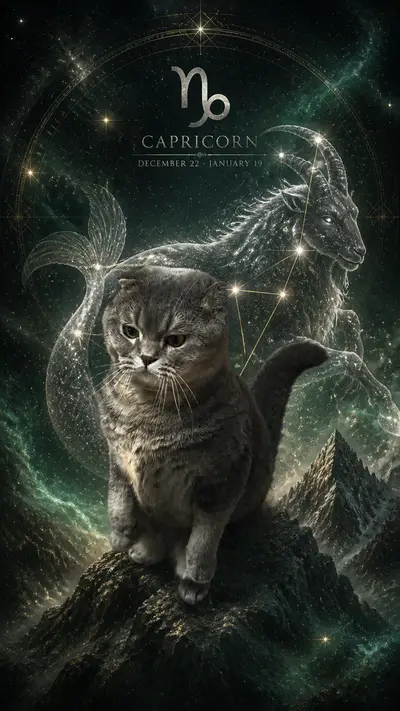
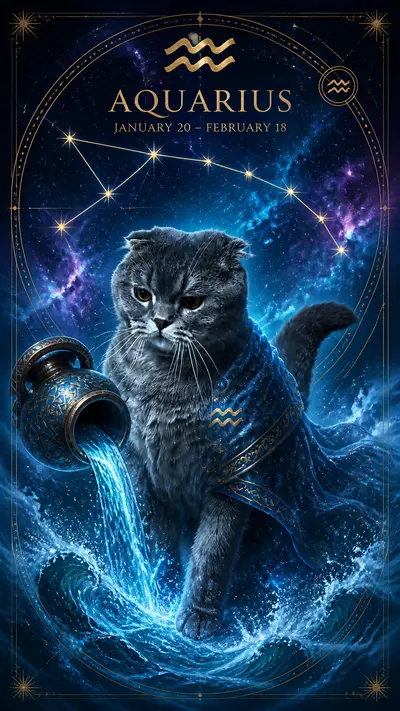
Style examples
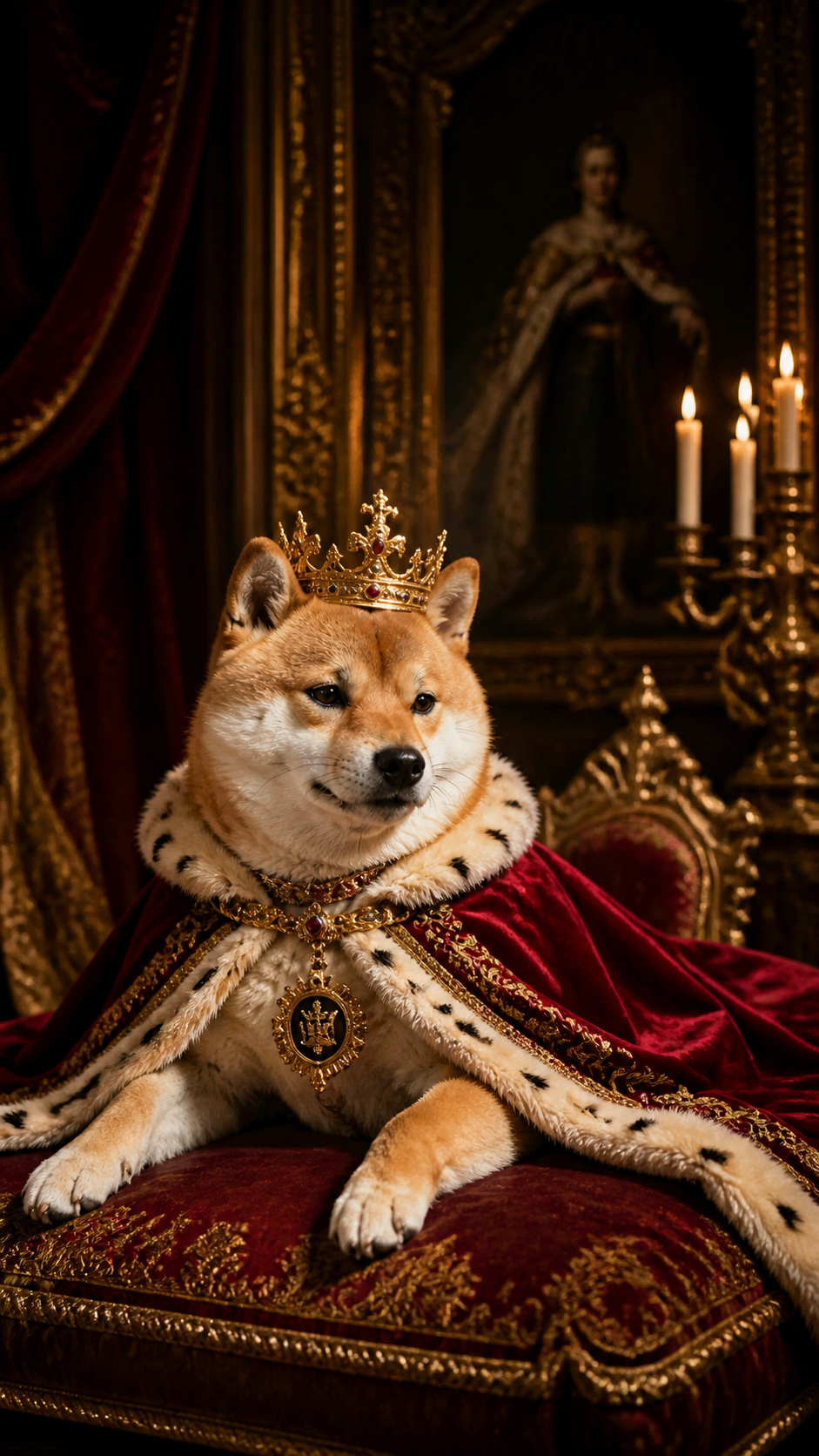

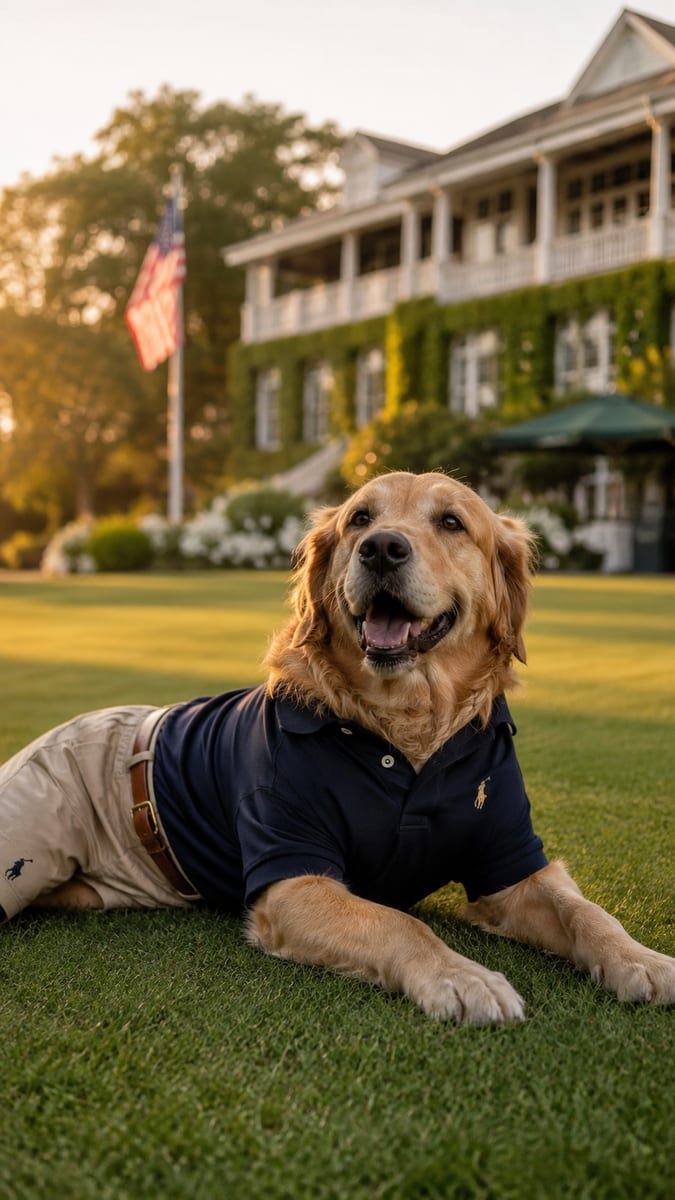
Tap any style to see more examples →
What Is a Diffusion Model?
The core technology behind modern AI pet photo generators is called a diffusion model. A diffusion model is a type of neural network trained on enormous datasets of images. During training, the model learns the statistical relationships between visual elements: what fur looks like at different scales, how light falls on different textures, what an oil painting's brushstroke pattern looks like, how a space helmet reflects light. When you give the model a photo and a style, it uses this learned knowledge to generate a new image that combines the two. The "diffusion" name comes from the process itself: the model starts from visual noise and progressively refines it, step by step, into a coherent image. Each step removes some noise and adds more structure, guided by both your source photo and the target style. The result after dozens of refinement steps is a complete, detailed image.
How the AI Identifies Your Pet
Before style transformation begins, the AI extracts your pet's identifying features from the source photo. This is called image conditioning. The model identifies facial geometry (the shape of the muzzle, the distance between the eyes, the ear position), coat color and pattern (tabby stripes, husky two-tone, golden retriever cream), breed-specific features (Persian flat face, Scottish Fold ears, Labrador build), and overall pose and framing. These features are encoded as a set of numerical representations that the model keeps consistent throughout the generation process. This is why modern AI pet portraits preserve your specific pet's look rather than generating a generic dog or cat of the same breed. The conditioning process is what separates dedicated pet photo generators from generic image AI tools, which often lose individual likeness when asked to stylize a photo.
Style Transfer: How a Photo Becomes a Portrait
Style transfer is the process of applying the visual language of one image type to the content of another. When you select "Royal Portrait" on Tail Frame, the model applies everything it knows about 17th-century oil portraiture to your pet's extracted features. Brushstroke texture, lighting direction, color palette, composition conventions, background treatment: all of these are governed by the style. The technical mechanism is called cross-attention. At each refinement step, the model asks: "Given what I know about my pet's features and this style, what should this region of the image look like?" It iterates this question thousands of times across every part of the image. The outputs are consistent because the style encoding is applied globally and the pet conditioning is applied persistently. The end result looks coherent because every pixel in the image was generated with both constraints active simultaneously.
Why Photo Quality Matters
The conditioning process only works as well as the information it can extract. A blurry, dark, or low-resolution photo gives the model less to work with. When the model cannot clearly read your pet's facial geometry or coat texture, it fills in missing information with statistical averages from its training data, which produces a result that looks like a generic dog or cat rather than your specific one. A clear, well-lit, front-facing photo where the pet's face fills most of the frame gives the conditioning process the maximum signal to work with. The AI can then accurately encode your pet's individual markings, eye color, ear shape, and expression, all of which will be faithfully preserved in the generated portrait. This is why the single most impactful thing you can do to improve your AI pet portraits is to start with a better source photo, not switch generators.
Why Tail Frame Generates So Fast
Early diffusion models required hundreds of refinement steps and ran on expensive hardware, producing results in 10 to 30 minutes. Tail Frame uses optimized model architectures that require far fewer steps without sacrificing quality. The platform runs on dedicated GPU inference infrastructure that processes multiple requests in parallel. Preprocessing (detecting the pet, preparing the conditioning inputs) is handled by fast auxiliary models that run in the background before the main generation starts. The combined result is a generation time of 60 to 90 seconds for photo styles and 90 to 120 seconds for video styles. You upload one photo, select a style, click generate, and the finished image arrives before most people would finish reading this paragraph. No technical skill is required. No prompt engineering. No waiting hours for a result.
Try Tail Frame - see your pet in 250+ styles, packs from $4.99
165+ styles. No subscription. Results in 60 seconds.
Try Tail Frame FreeFrequently Asked Questions
AI pet photo generators use diffusion models, a type of neural network that generates images by progressively refining visual noise into a detailed output. They combine image conditioning (extracting your pet's features) with style transfer (applying a chosen visual style) to produce the result.
The AI creates an entirely new image. It extracts identifying features from your photo (face shape, coat color, markings), then generates a new image that preserves those features in the chosen style. Your original photo is used only as input; the output is a newly generated image.
Some styles involve more artistic transformation than others. A realistic oil painting preserves more of your pet's photographic likeness. A heavily stylized anime or cartoon style applies more transformation. Both are working correctly; the degree of stylization is a property of the style itself.
The AI works with any photo, but lower-quality photos produce less accurate results. Blurry or dark photos give the model less information to work with, which can result in a portrait that looks like a generic pet rather than your specific one. A clear, well-lit close-up always produces the best output.
Tail Frame is purpose-built for pet portraits and uses image conditioning to preserve your pet's specific likeness. General AI image tools like Midjourney generate images from text prompts and struggle to replicate a specific pet's individual features. Tail Frame is also significantly faster and requires no prompt-writing skill.