
AI Pet Video Generator: Turn One Photo Into a Shareable Clip
Quick Answer
An AI pet video generator turns a single still photo of your dog or cat into a short animated clip. With Tail Frame you upload one photo, pick one of 60+ video styles (DJ, Formula 1 driver, hip-hop rapper, Halloween, superhero and more), and get a 10-second vertical-friendly video in about 1-2 minutes. Each video uses one video credit. Video credits come with the Popular pack ($19.99 for 50 image + 5 video credits) and up, with no subscription and no expiry.
Most people know Tail Frame for AI pet photos: the royal portraits, the astronaut cats, the dog in a business suit. What a lot of people miss is that the same upload can also become a video. Not a slideshow with a zoom effect, but an actual animated clip where your pet moves through a scene, styled as a DJ, a race car driver or the living embodiment of Halloween. And it starts from one ordinary photo you already have on your phone. No filming, no getting your cat to sit still for ten takes, no editing app. This guide covers what an AI pet video generator actually does, how video styles behave differently from photo styles, which styles tend to work best, and how to post the result so it actually gets watched.
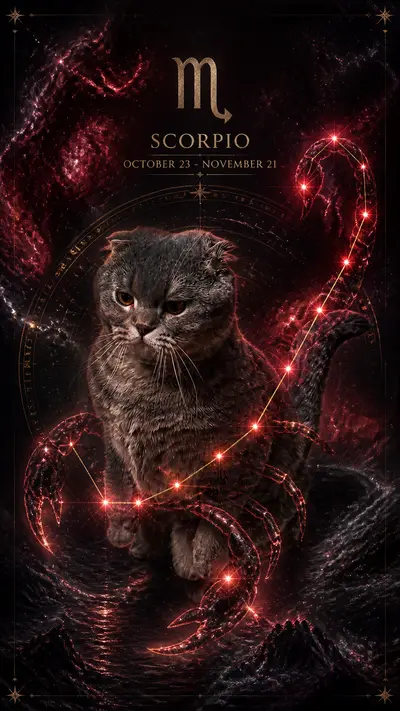
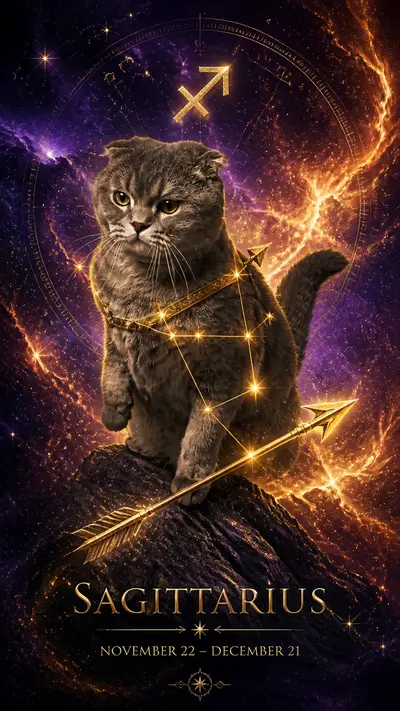
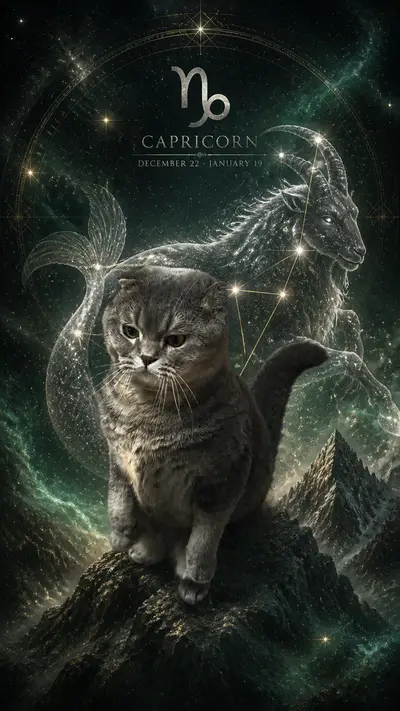
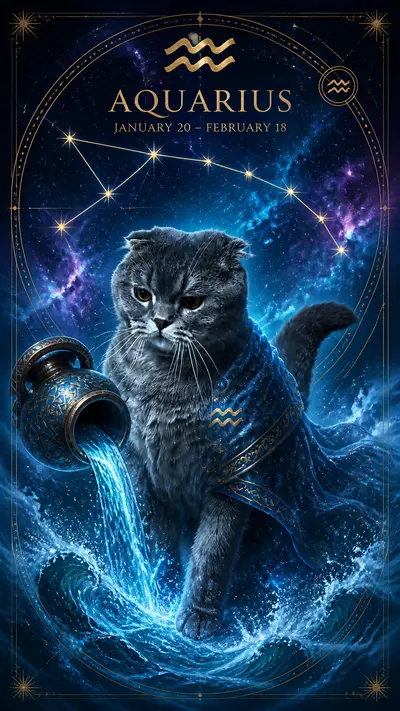
Style examples
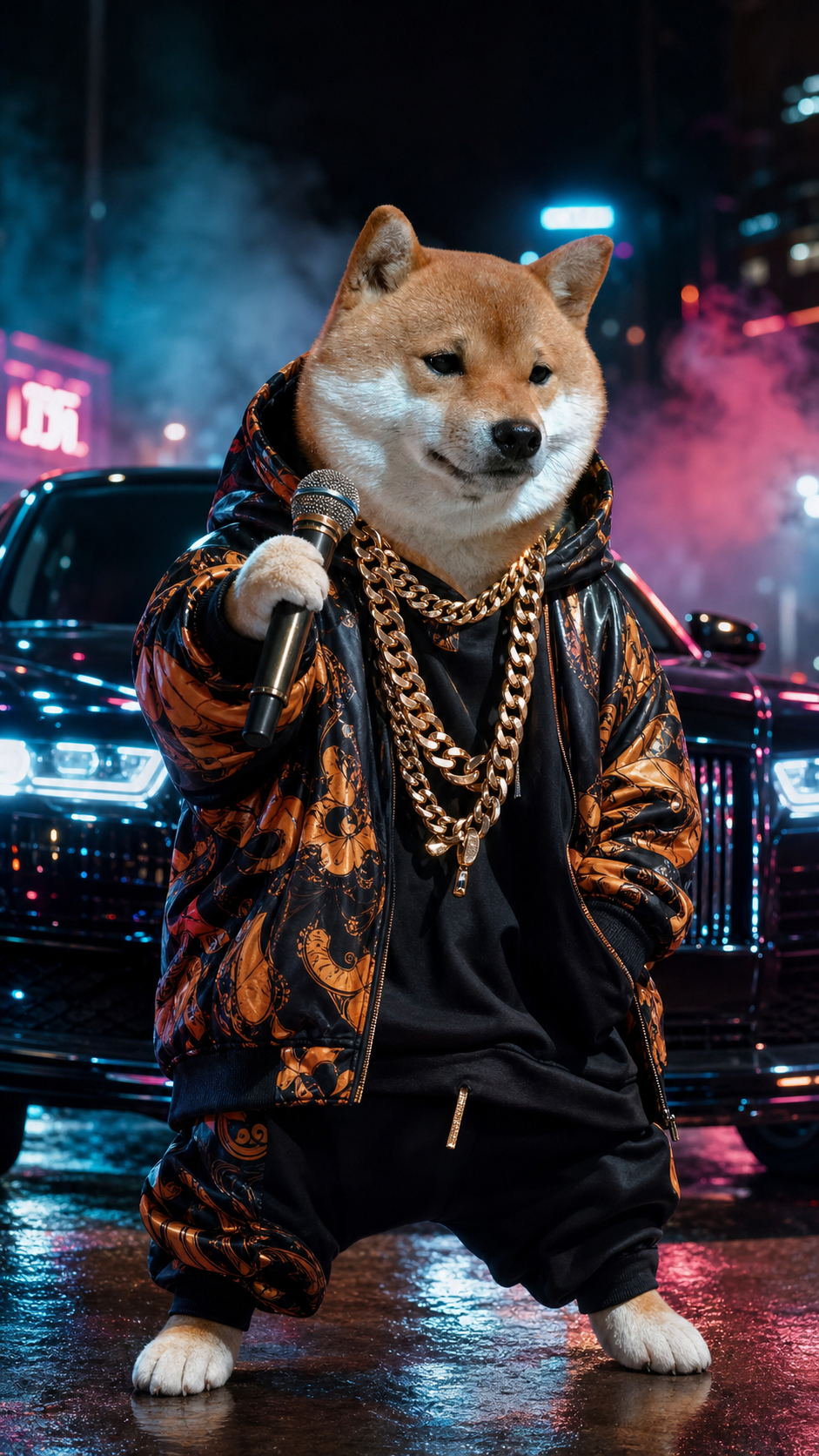
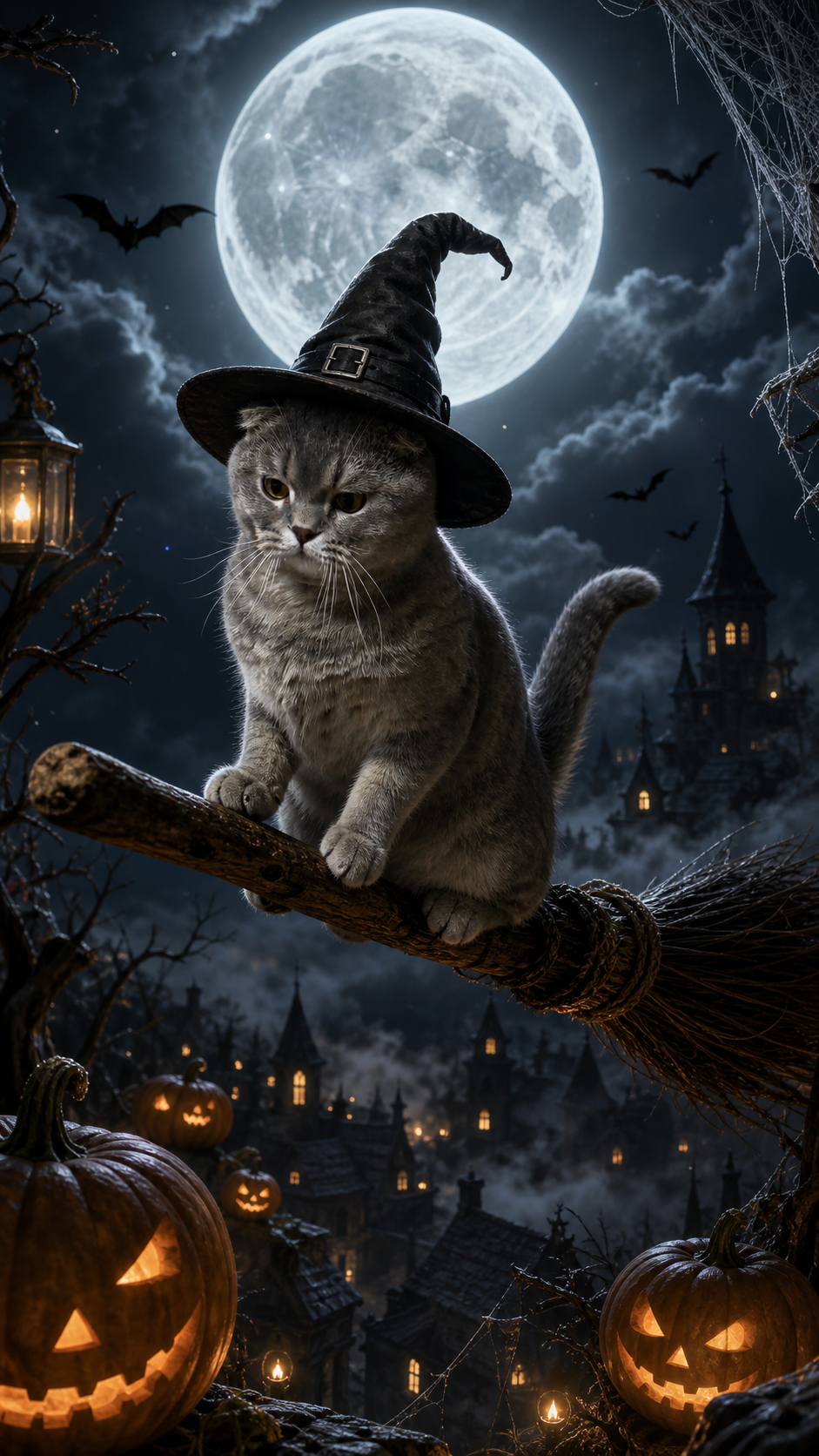
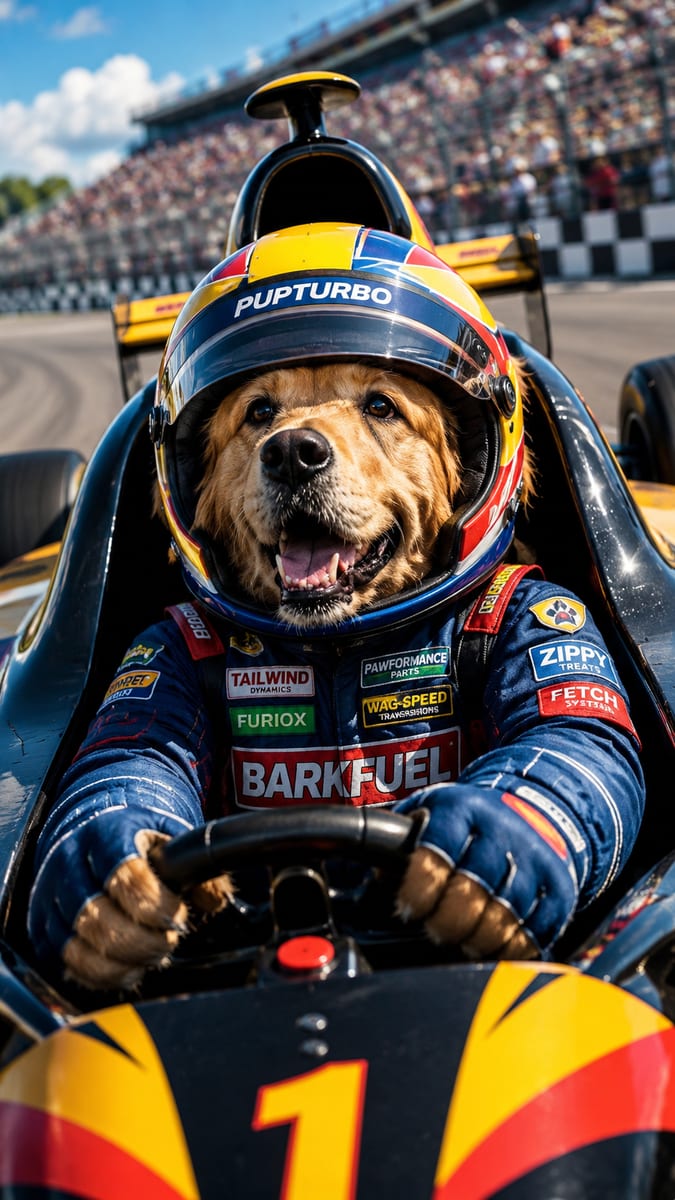
Tap any style to see more examples →
What an AI Pet Video Generator Actually Does
You give it one still image of your pet and it gives you back a moving clip. On Tail Frame, the process is the same as making a photo: open a video style, upload a clear picture of your dog or cat, and press Generate. The AI reads your pet's face, fur color, markings and body shape, then animates them inside the scene the style describes. A few things are worth knowing up front. Clips are about 10 seconds long, which is the sweet spot for TikTok, Instagram Reels and YouTube Shorts: long enough to land a joke, short enough that people watch to the end and loop it. Generation takes roughly 1-2 minutes, a bit longer than a photo, and the finished video shows up in your gallery so you can close the tab and come back. You only need one photo. You do not need a video of your pet, multiple angles or a training set. The same rules as for photos apply to the source image: a sharp, well-lit shot where your pet's face is clearly visible and fills a good part of the frame. Blurry, dark or heavily cropped photos give the AI less to work with, and that shows more in motion than it does in a still. If you have a photo that already worked well for an AI portrait, it will almost certainly work for a video too.
How Video Styles Differ From Photo Styles
Photo styles and video styles live in the same gallery, but they behave differently and it helps to pick with that in mind. A photo style is about one perfect frame: lighting, costume, composition. A video style is about something happening. The best ones have built-in action: a DJ working the decks, a chef flipping something in a pan, a pet sliding down a snowy mountain, a driver gripping the wheel of an F1 car. Static concepts like a formal portrait are great as photos but less exciting as a clip. Many video styles also have a natural reveal built in: the clip opens close to your original photo and transforms into the styled scene over the 10 seconds. That before-and-after moment is exactly the hook that works on short-form video, because viewers recognize the real pet first and then watch it turn into something absurd. Credits are separate too. Photos use image credits and videos use video credits, one per video regardless of style. The Starter pack ($4.99) is images only. Video credits start with the Popular pack ($19.99, 50 image + 5 video credits), then Pro ($39.99, 200 + 20) and Max ($69.99, 500 + 50). None of them are subscriptions and credits never expire. A practical approach is to test a style as a photo first if it exists in both formats, and once you know your pet looks great in it, spend a video credit on the animated version.
The Video Styles That Work Best
After a lot of generations, a few patterns stand out. Music and performance styles are the most reliable crowd-pleasers. Hip-Hop Gangster Rapper, DJ and Dance put your pet in the middle of a performance, and the motion reads clearly even on a small phone screen. These are the ones people send to group chats. Speed and vehicle styles like Formula 1 Driver, Car Chase, Jet Pilot and Futuristic Driver work because there is constant movement in the background, which makes even a calm pet look like they are doing something dramatic. Golden retrievers in a racing helmet are a particular favorite. Seasonal styles are timing gold. Embodiment of Halloween, Embodiment of Thanksgiving, Embodiment of Christmas and Embodiment of New Year's Eve are made for posting in the week before the holiday, when everyone is searching and scrolling for themed content. There is a whole set of Christmas clips too, from Santa's Little Helper to Home Alone Defender and Gift Wrapping Frenzy. Funny role-reversal styles like Babysitting Humans, College Professor, Mad Scientist and Ultra Chonker lean into comedy, and comedy is what gets shared. Chonky cats in particular tend to do very well here. Finally, character styles like Superhero, Villain, Wizard and Royal King give you something closer to a short movie trailer starring your pet. If you are unsure where to start, pick one style that matches your pet's personality (the dramatic cat gets Villain, the hyper dog gets DJ) and one seasonal style for the next upcoming holiday.
Posting the Result So People Actually Watch It
A good clip can still flop if it is posted badly, so a few habits make a real difference. Lead with the real pet. If you have the original photo or a quick real video of your pet, put a one-second shot of it before the AI clip. "This is Bacon. This is Bacon as an F1 driver." is a format that keeps working because the contrast is the joke. Use the first second. On TikTok and Reels people decide almost immediately whether to keep watching, so add a short on-screen text hook like "I turned my cat into a rapper" or "POV: your dog finds out it's Halloween". Add trending audio inside the app. The clip itself is the visual; pairing it with a trending sound in TikTok or Instagram gives the algorithm another reason to push it. A DJ or dance clip matched to a popular track is an easy win. Post seasonal clips early, three to seven days before the holiday rather than on the day itself, when feeds are already flooded. Keep a series going. One video is a post; the same pet in a new style every week is a show people follow. Rotate between music, vehicle and seasonal styles so it never feels repetitive. And caption in your pet's voice. Captions written as if the pet is talking get more comments, and comments push reach. For more on the posting side, our guides on making your pet go viral and TikTok pet video ideas go deeper into hooks, timing and formats.
Turn your pet's photo into a 10-second video. Pick a video style and generate your first clip in about 2 minutes.
165+ styles. No subscription. Results in 60 seconds.
Try Tail Frame FreeFrequently Asked Questions
Yes. Tail Frame only needs a single still photo of your dog or cat. You do not need to film anything. Use a clear, well-lit photo where your pet's face is visible, choose a video style and press Generate. The AI animates your pet into the scene.
Each clip is about 10 seconds long, which fits TikTok, Instagram Reels and YouTube Shorts well. Generation usually takes about 1-2 minutes, and the finished video is saved to your gallery.
Each video uses one video credit, whichever style you choose. Video credits are included in the Popular pack ($19.99 for 50 image credits + 5 video credits), Pro ($39.99 for 200 + 20) and Max ($69.99 for 500 + 50). The $4.99 Starter pack is photos only. There is no subscription and credits never expire.
It works for both cats and dogs, and every video style shows example clips for each. The AI keeps your pet's fur color, markings and face recognizable, so a tabby still looks like your tabby and a golden retriever still looks like your golden.
Styles with obvious action do best: Hip-Hop Gangster Rapper, DJ and Dance for music, Formula 1 Driver and Car Chase for speed, and the Embodiment of Halloween, Thanksgiving and Christmas styles for seasonal posts. Funny role-reversal styles like Babysitting Humans and Ultra Chonker are great for comedy.