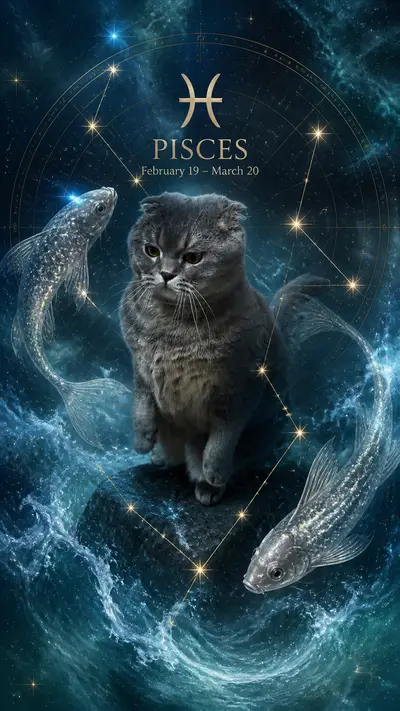
AI Pet Portrait Generator: How to Get Stunning Results in 60 Seconds
Quick Answer
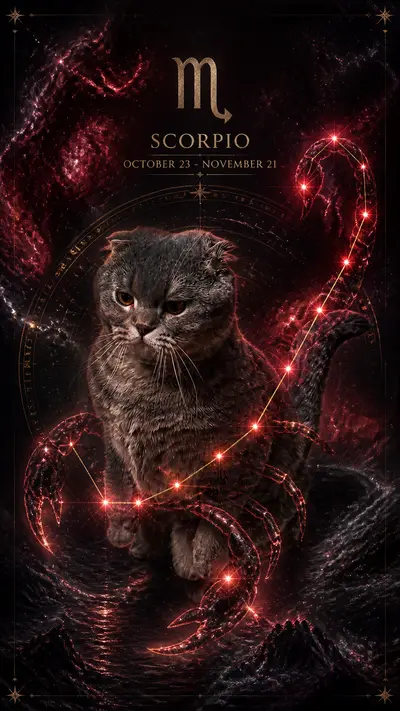
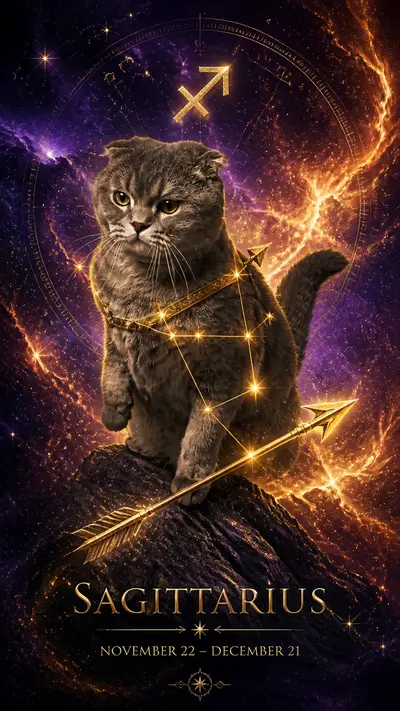
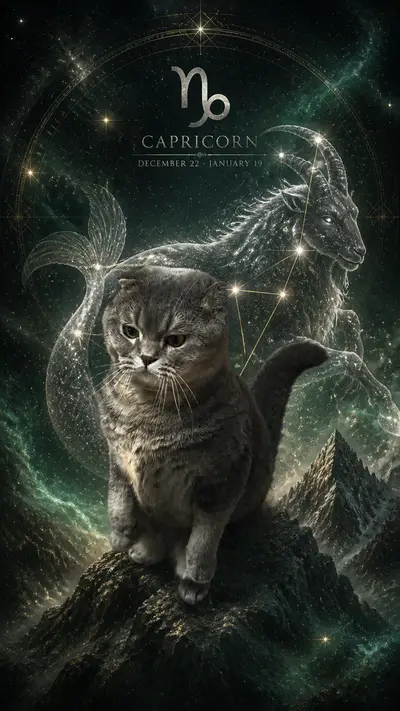
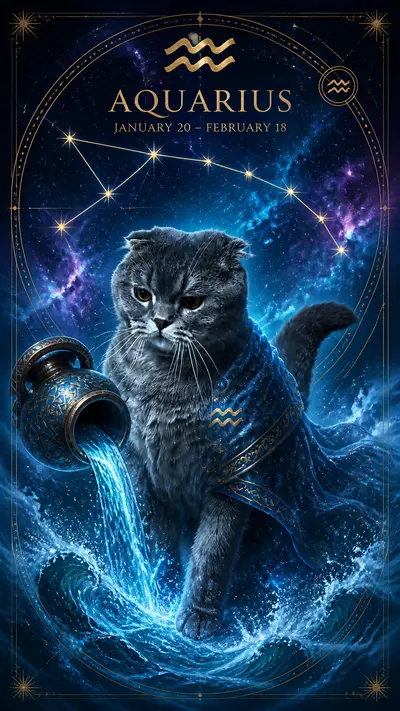
An AI pet portrait generator turns a regular photo of your pet into professional-quality art in about 60 seconds. Upload a clear photo to Tail Frame, choose from 160+ styles (royal portrait, oil painting, astronaut, and more), and download a print-ready image. No subscription — credit packs start at $4.99, credits never expire.
AI pet portrait generators have made professional-quality pet art accessible to anyone with a smartphone photo. What used to cost hundreds of dollars at a portrait studio now takes 60 seconds and a few dollars. This guide covers what to look for in an AI pet portrait generator, how to get the best results from your photos, and which styles work best for different breeds and coat types.
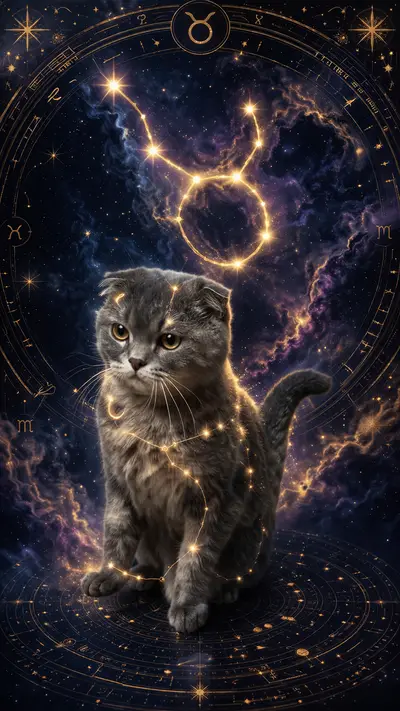
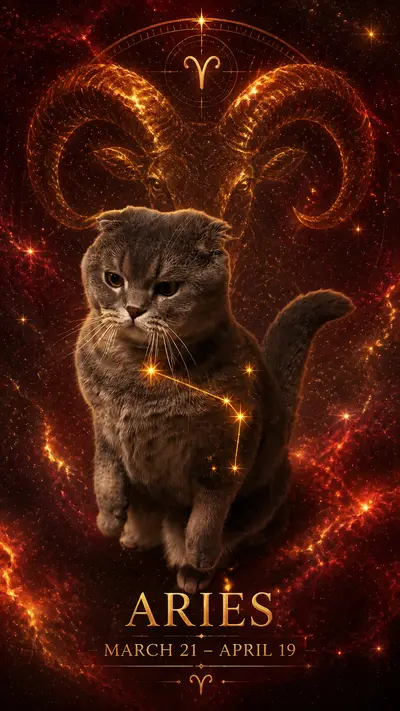
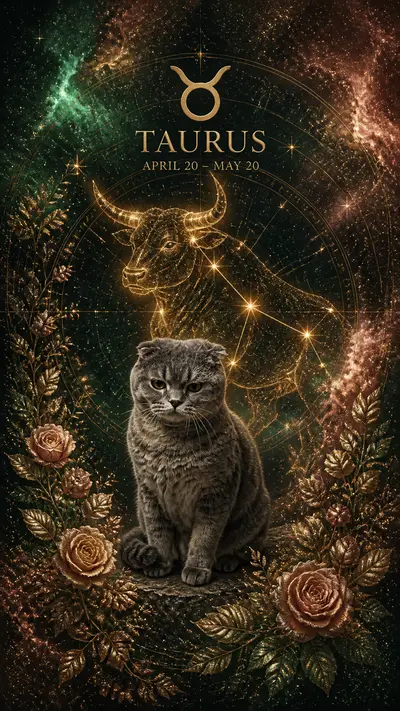
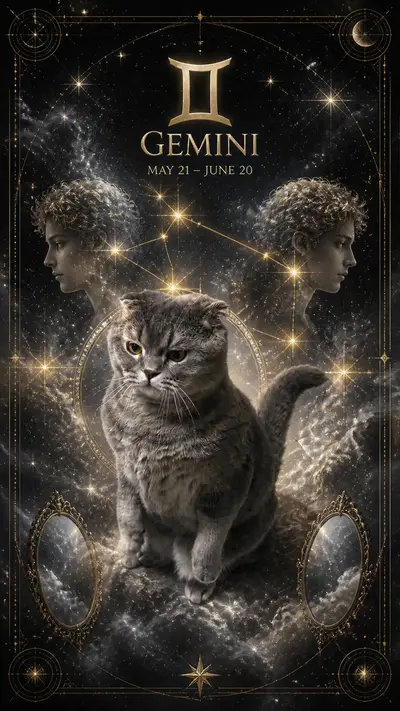
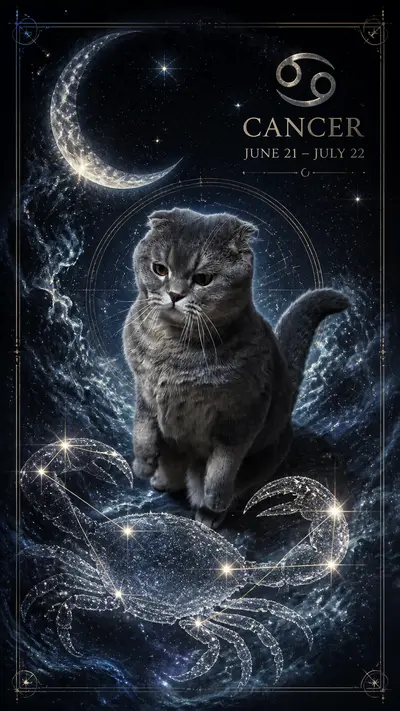
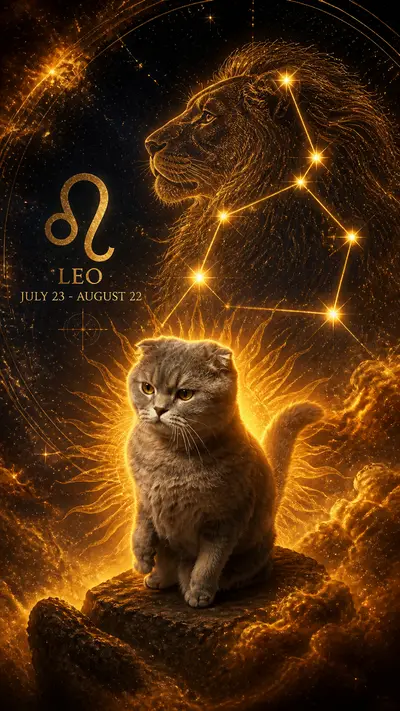
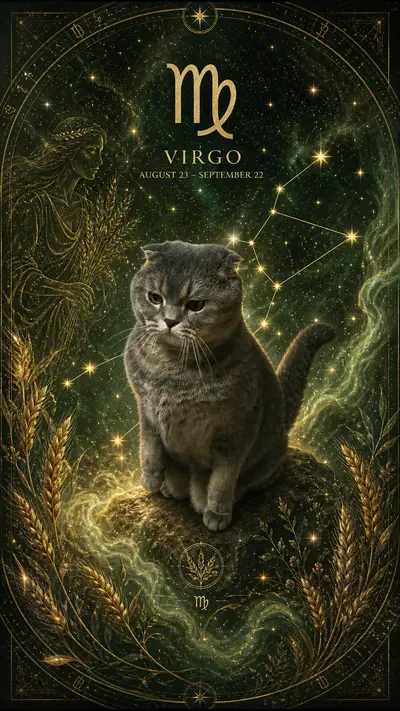
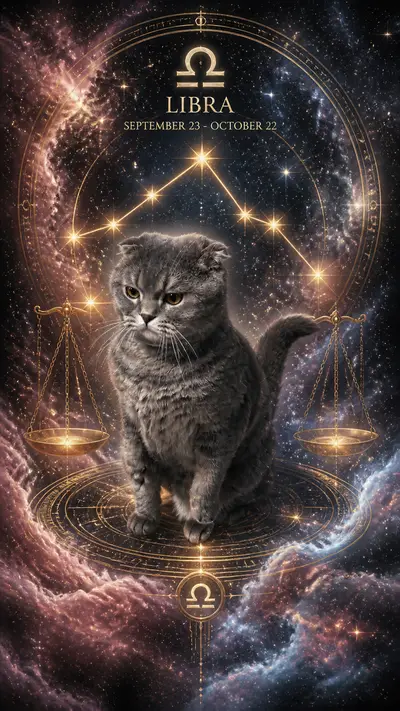
Style examples

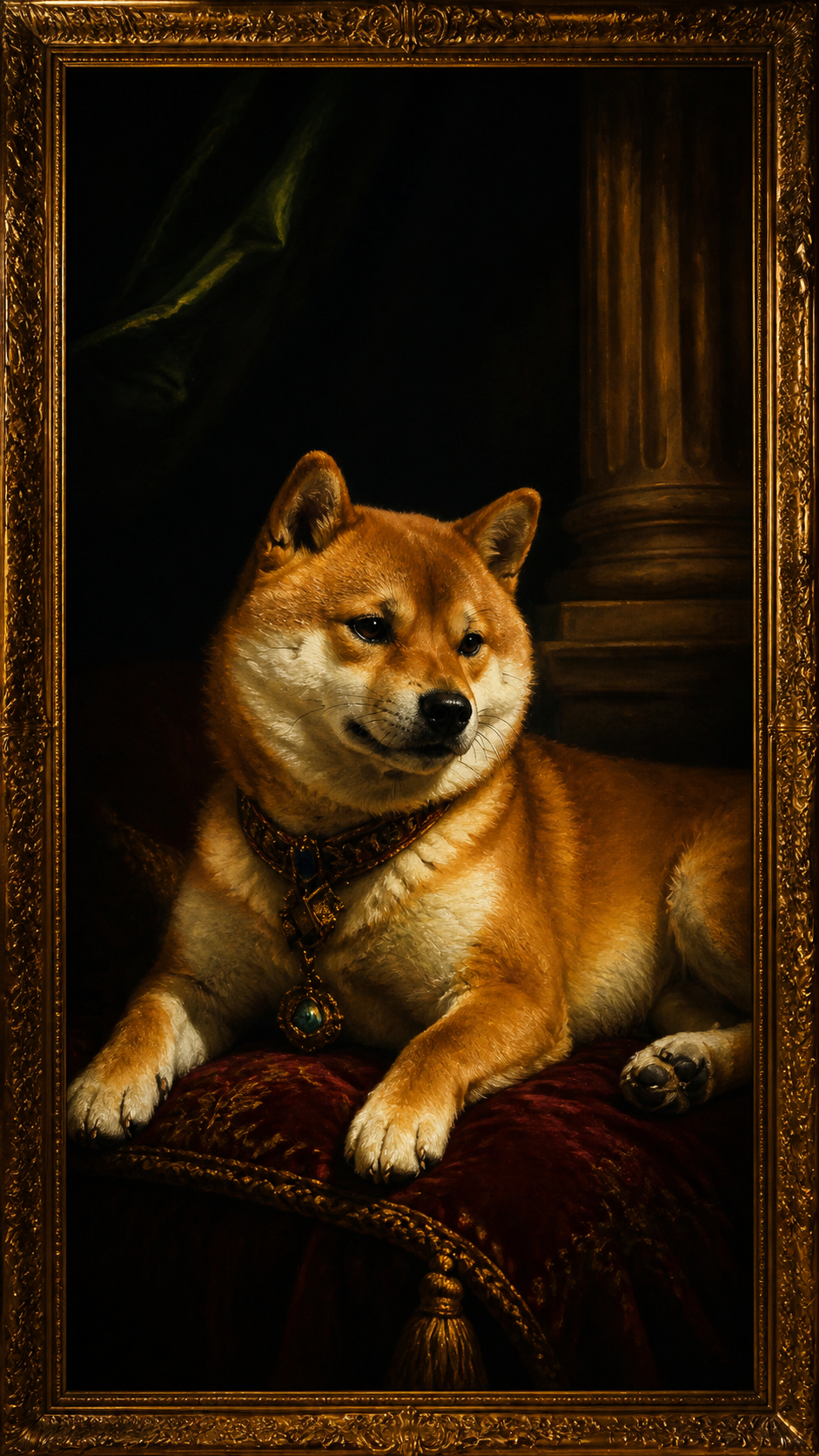
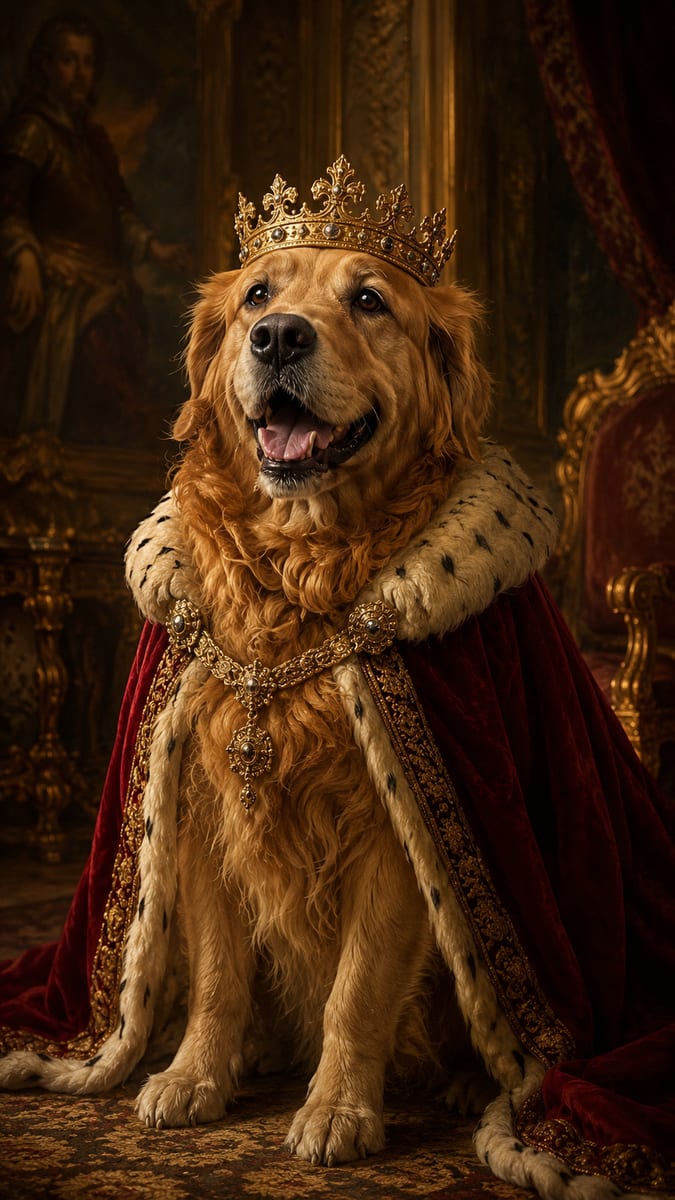
Tap any style to see more examples →
What Makes a Good AI Pet Portrait Generator
The key difference between a good AI pet portrait generator and a generic image tool is likeness preservation. Your pet has specific markings, fur texture, eye color, and facial proportions — a quality generator preserves all of these while transforming the style. Generic tools like text-to-image generators often produce a dog that looks like your breed but not your actual dog. Dedicated pet portrait generators are trained or fine-tuned specifically on pet images, which dramatically improves how well they capture individual animal features. Other factors worth evaluating: output resolution (print-ready means at least 1024×1024 pixels), style variety (more styles = more use cases), and processing speed. Tail Frame processes in 60–90 seconds and outputs at full resolution suitable for printing up to 16×16 inches.
Choosing the Right Photo
The source photo is the single biggest factor in portrait quality. Use a clear, well-lit photo where your pet's face fills at least half the frame. Natural daylight is ideal — photos near a window or outdoors on an overcast day give the AI the most detail. Avoid blurry, dark, or backlit images. For cats and dogs with complex markings (calico, husky bi-color, brindle), make sure the markings are visible — the AI will preserve and enhance them in the portrait. Flat-faced breeds (Persian cats, Bulldogs, Pugs) benefit from a slightly elevated camera angle to capture facial depth. For portraits specifically, a straight-on or slight 3/4-angle face shot works better than a full-body photo — the AI focuses on facial features, and the closer you are, the more detail it captures.
Best Portrait Styles by Breed Type
Different breeds respond differently to portrait styles. Long-haired breeds (Maine Coon, Golden Retriever, Samoyed) look exceptional in painterly styles like Royal Portrait and Renaissance Oil — the AI renders the flowing fur with impressive texture detail. Short-haired breeds with strong facial features (Boxer, Siamese, Dobermann) suit dramatic styles like CEO Headshot and Old Money — the clean lines photograph cleanly through the style transfer. Small and fluffy breeds (Pomeranian, Bichon, Ragdoll) are naturals for whimsical styles like Wizard, Fairy Tale, and Cottage Witch — the fluffiness translates beautifully into fantasy aesthetics. For exotic pets (ferrets, rabbits, guinea pigs), portrait styles with detailed backgrounds work best since the smaller subject benefits from a rich environmental context.
Getting Multiple Portraits from One Session
A credit pack gives you flexibility to experiment. Most users find their favorite result within two or three generations of the same style — each run introduces slight creative variation. A practical approach: generate in your top two or three styles with the same source photo, then compare. The portrait you love most is usually one you didn't predict going in. All generated portraits save to your account gallery automatically, so you can come back days later and download any version. If you're planning to print, generate a few options before ordering — printing at A4 or 8×10 is cheap enough to test, but getting the right image first saves the effort. The gallery keeps everything, so nothing is lost between sessions.
Generate your pet's AI portrait — packs from $4.99, no subscription
165+ styles. No subscription. Results in 60 seconds.
Try Tail Frame FreeFrequently Asked Questions
Tail Frame uses credit packs with no subscription. The starter pack is $4.99 for 10 image credits — about $0.50 per portrait. Larger packs bring the cost down to $0.14 per image. Credits never expire.
Yes — all Tail Frame outputs are high-resolution and print-ready up to 16×16 inches. Download your result and upload to any print service (Shutterfly, Walmart Photo, Snapfish, or a local shop).
Yes — unlike generic AI tools, Tail Frame is designed to preserve your pet's specific markings, coat color, and facial features. The style changes, but your pet stays recognizable.
Any pet works: dogs, cats, rabbits, guinea pigs, ferrets, birds, reptiles, and exotic animals. The AI adapts to any species. Dogs and cats get the most style variety, but all animals produce striking results.
Photo portraits generate in about 60 seconds. Video styles take 90–120 seconds. You'll see a progress bar while it processes.