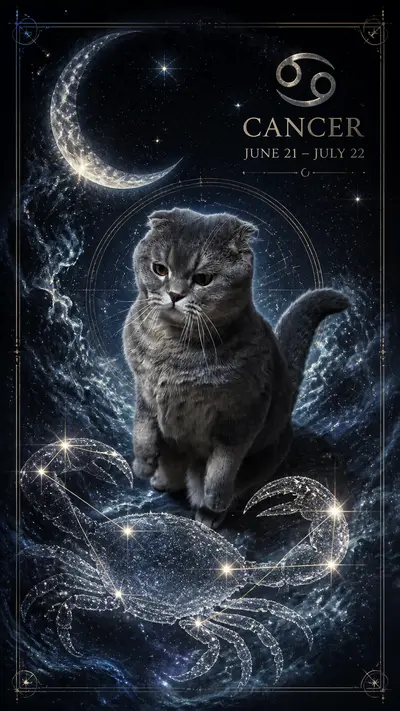
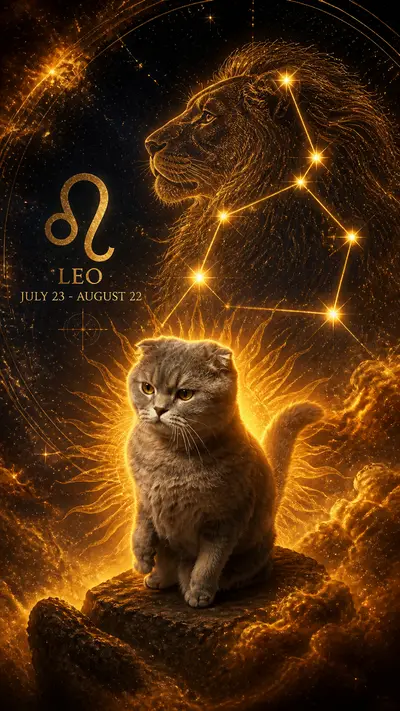
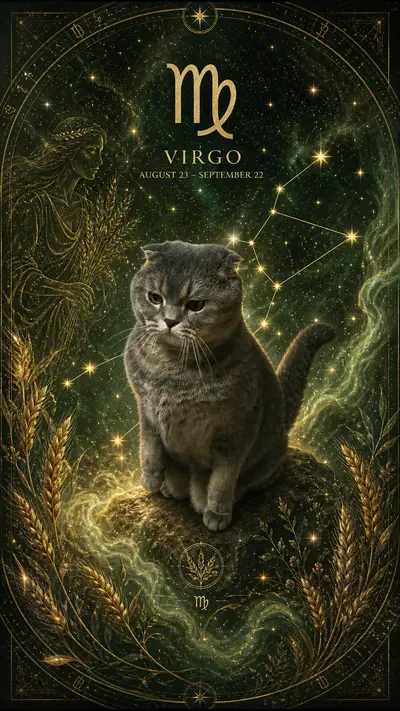
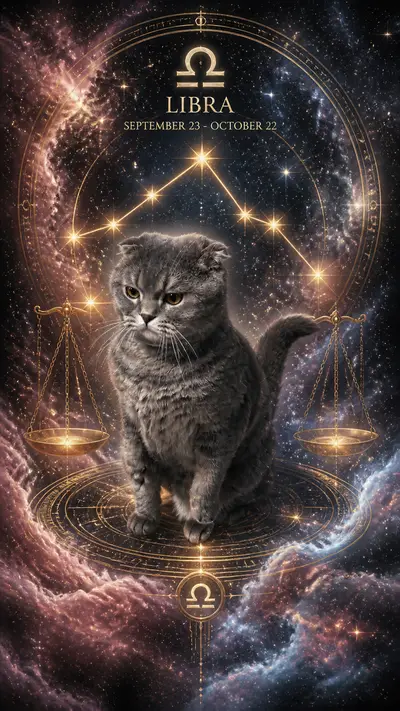

AI Pet New Year's Eve TikTok Ideas 2026: Countdown Content
Quick Answer
Plan New Year's Eve pet TikToks for December 28-31, 2026: a "10 things my pet loved in 2026" recap, a formal portrait reveal, a digital party-hat transformation, and a countdown welcoming 2027. Generate portraits in Tail Frame, then add your countdown numbers and seasonal graphics in an editor. Finish with a "new year, new look" before-and-after using the same recognizable pet photo.
Your pet's year was full of milestones: a new favorite box, a sworn enemy in the mirror, and approximately four thousand naps. That deserves a retrospective. New Year's Eve gives you a compact four-day content plan with room for sentiment, ridiculous formalwear, and one grand countdown. This guide is for December 2026 turning into January 2027, so check those year overlays before exporting. Prepare the portraits and edits ahead of time, then let your pet spend the evening doing whatever they were going to do anyway: probably sleeping through their own premiere.
Style examples


Tap any style to see more examples →
December 28: 10 Things My Pet Loved in 2026
Start the series with ten numbered memories: 1, the favorite walking route; 2, a sunny windowsill; 3, the cardboard box that outlived its contents; 4, a new toy; 5, a familiar visitor; 6, the blanket they claimed; 7, a funny household routine; 8, an outdoor adventure or indoor discovery; 9, a quiet moment together; and 10, being home. Replace these prompts with actual moments from your pet's year. Use real photos for the memories and end on a Tail Frame Royal Portrait titled "2026 employee of the year." A Golden Retriever might have ten versions of the same tennis ball; a British Shorthair may credit only the windowsill. Give each caption time to be read, and split the recap into two posts if ten moments feel rushed.
December 29: The Tuxedo and Formal Portrait Reveal
Open on your dog rolling on the carpet or your cat sprawled across the laundry, then cut to their formal AI portrait with "the invitation said black tie." Royal Portrait gives the reveal ceremony, while Old Money offers a quieter dressed-up mood. For a specific tuxedo look, check the selected style preview or add a digital tuxedo frame or bow-tie graphic in your editor; do not assume every formal style includes one. A tuxedo cat can get the caption "already dressed, waiting on everyone else." A Dachshund can be the tiny event host, and a senior Labrador can receive a lifetime achievement award. Hold the portrait long enough to see the face, then return to the ordinary photo for a deliberate before-and-after loop.
December 30: Party Hat Transformation and Guest List
Make a party-hat transformation by starting with the source photo, revealing an Anime Character or Old Money portrait, and adding a digital "2027" hat on the final beat. The hat, confetti, and year text belong in your editor so you control their placement and spelling. Give each household pet a separate portrait and introduce the guest list: the Corgi who arrives early, the Siamese who complains about the music, and the Ragdoll who sleeps through the opening speech. If you have one pet, give them three fictional party roles using different captions over the same portrait. Close with a card saying "tomorrow: the countdown." Keep the party fictional and film any real-life clips during your pet's normal routine.
December 31: Midnight Countdown With an AI Pet
Build the countdown before New Year's Eve. Place ten readable numbers, from 10 to 1, over your pet's portrait and use a gentle zoom or a new crop on each count. At zero, reveal a second portrait with "hello, 2027" and a digital confetti overlay. A Superhero dog can be "reporting for another year of doorbell duty," while a Royal Portrait cat can declare "my reign continues." Preview the edit to catch a skipped number or a stray 2026 ending card. Publish it on December 31 in the time zone your audience follows, or prepare it for your own local countdown. The video can be prerecorded; your pet does not need to stay awake, attend a party, or appear beside fireworks for the concept to work.
The Finale: New Year, New Look, Same Pet
Use the "new year, new look" format as a December 31 finale or a January 1 follow-up. Show the original photo labeled "2026," then reveal a fresh Tail Frame style labeled "2027." Follow the polished portrait with one real clip and the caption "same personality, upgraded profile picture." For dogs, compare an Old Money host with a Superhero ready for another year of walks. For cats, cut from Royal Portrait to Anime Character and announce "new season, same villain." Preserve the same face and distinctive markings across the edit so the transformation is easy to recognize. A short voiceover about one thing you hope to do together next year gives the series a personal ending. Identify the transformed images as AI portraits and keep the genuine memories separate in your storytelling.
Send 2026 off with your favorite face. Create a Tail Frame portrait and turn it into a countdown, a formal reveal, or your pet's first look of 2027.
165+ styles. No subscription. Results in 60 seconds.
Try Tail Frame FreeFrequently Asked Questions
Use December 28 for the year recap, December 29 for a formal portrait, December 30 for party-hat introductions, and December 31 for the countdown. Treat this as a manageable content plan and adjust the posting hour to your audience.
Use 2026 for the memories you are reviewing and 2027 for the year you are welcoming at midnight on December 31. A before-and-after can label the original photo 2026 and the new portrait 2027.
Yes. Add numbers, slow zooms, cuts, and your final greeting in a video editor. A still portrait is enough for the countdown background; you do not need the pet itself to move or a separately generated video.
Check the style preview for the formal look you want. For exact accessories, use a digital bow tie, tuxedo frame, or party-hat graphic in your editor after generating the portrait. Add year text separately so it reads 2027 correctly.
Make a top-three or top-five recap instead. Everyday moments count: a new sleeping spot, a favorite game, or the first photo after adoption. Finish with an AI portrait as a celebratory illustration rather than presenting it as a real memory.