AI Pet Content Ideas for December 2026 (Christmas & Holiday Special)
Quick Answer
The best AI pet content ideas for December 2026 are a 24-day "Pet Advent Calendar" series, a Christmas Santa portrait reveal, AI holiday cards, a "Twelve Styles of Christmas" carousel, a cozy Studio Ghibli winter scene, and a New Year's Eve "my pet's 2027 era" post. Upload one photo to Tail Frame, generate Christmas Santa, Royal Portrait, Studio Ghibli, and more in about 60 seconds each, and schedule the whole month in one session. Credit packs start at $4.99 and never expire.
December is the busiest, most heartwarming month on every pet feed. Engagement is high, people are home with their phones, and festive pet photos get shared to family group chats more than at any other time of year. The problem is that real Santa hats last four seconds and Christmas-tree photo shoots usually end with ornaments on the floor. AI fixes that: your pet stays comfy while Tail Frame puts them in front of the fireplace, in Santa's sleigh, or in a snowy royal court. Here's a complete December content plan you can generate in one afternoon and post all month.
Style examples
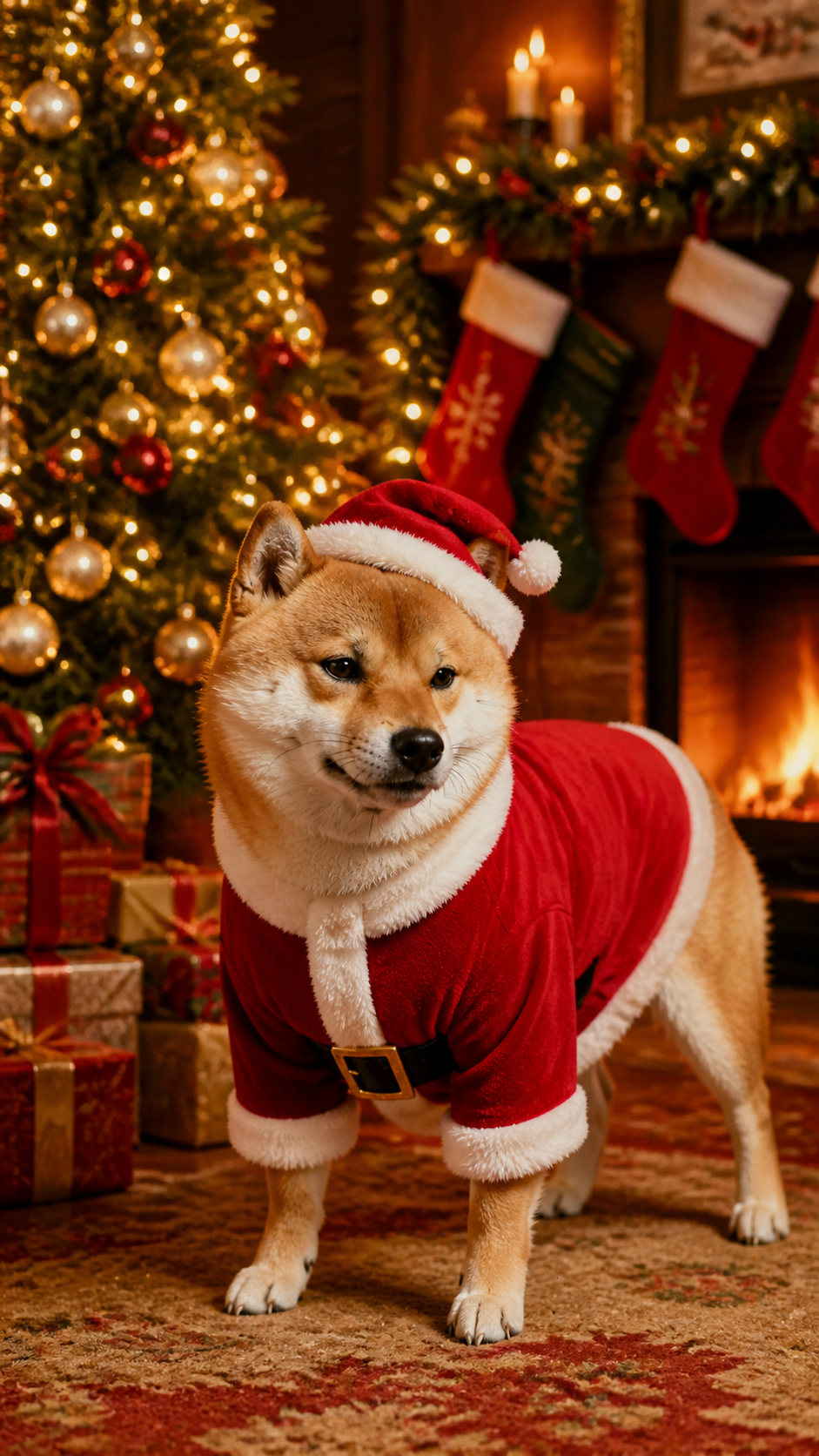

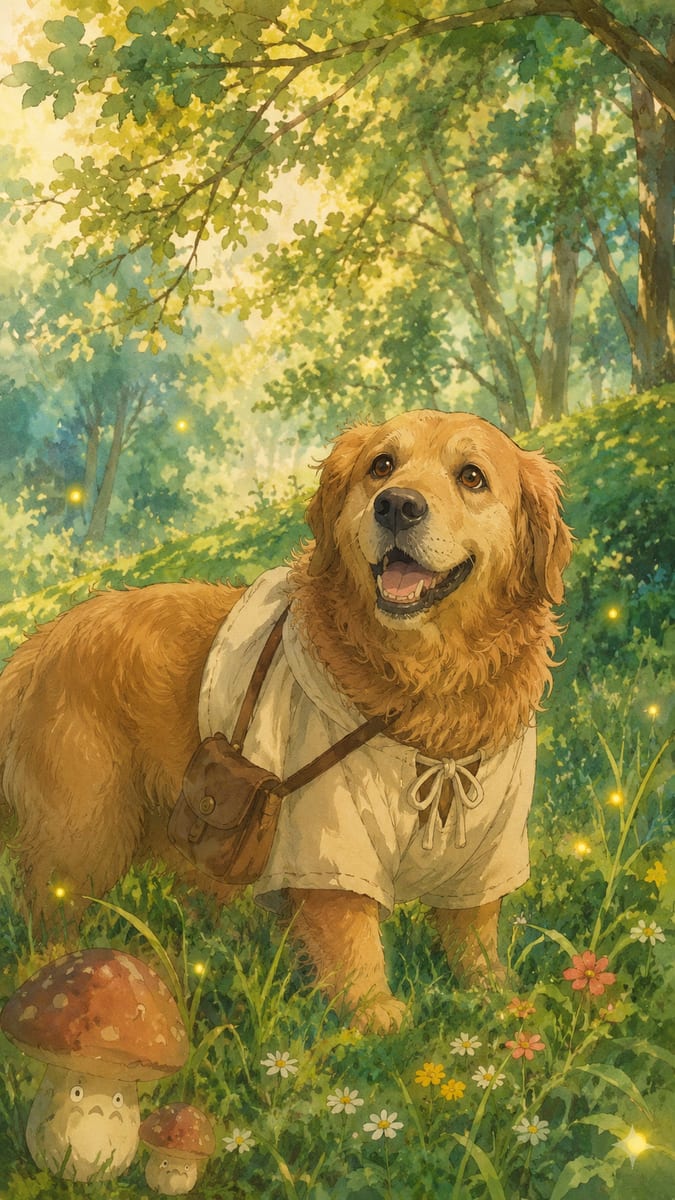
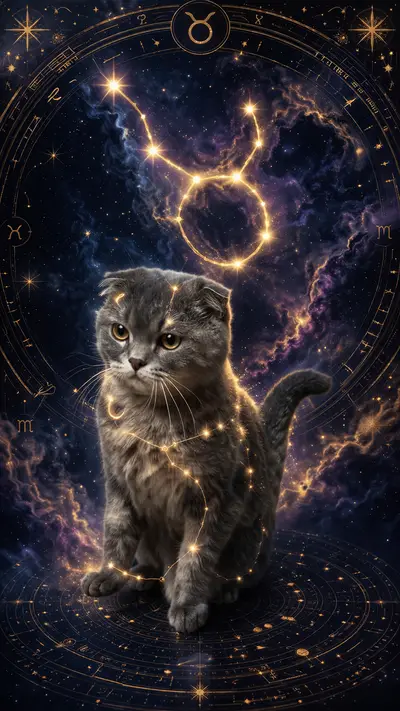
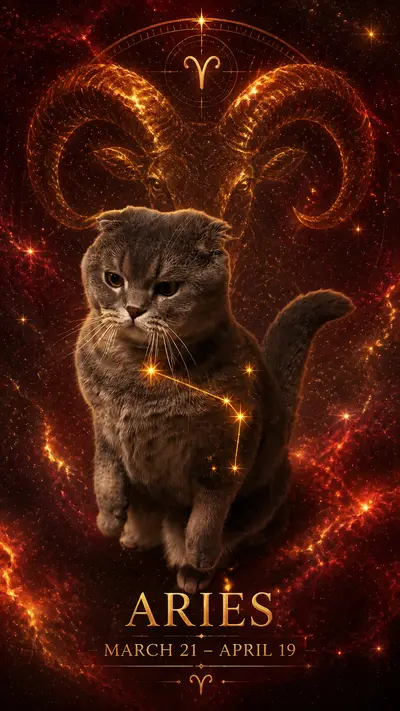
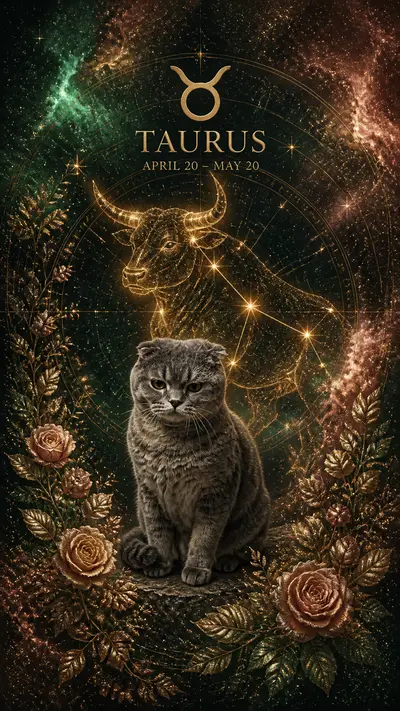
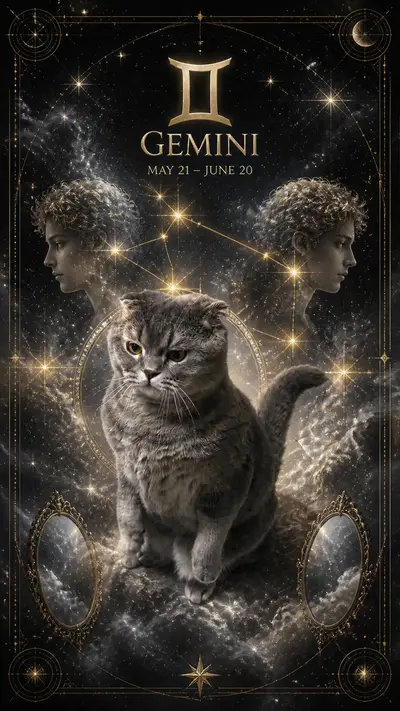
Tap any style to see more examples →
Week 1: Kick Off With a Christmas Santa Reveal
Start December 1 with your headline post: your pet in the Tail Frame Christmas Santa style, paired with the original photo in a before-and-after carousel or Reel. Caption it with a little story, like "Santa called in sick, so Mochi is covering this year." Early-December posts catch the first wave of holiday searches before feeds get crowded. Pin it to your profile so new visitors see your festive content all month.
Weeks 1–3: Run a Pet Advent Calendar Series
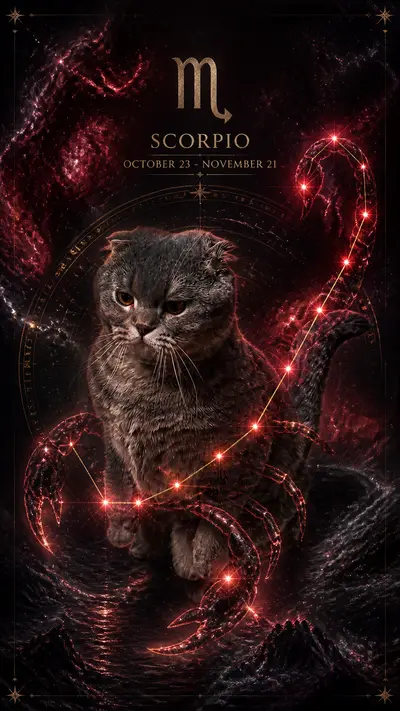
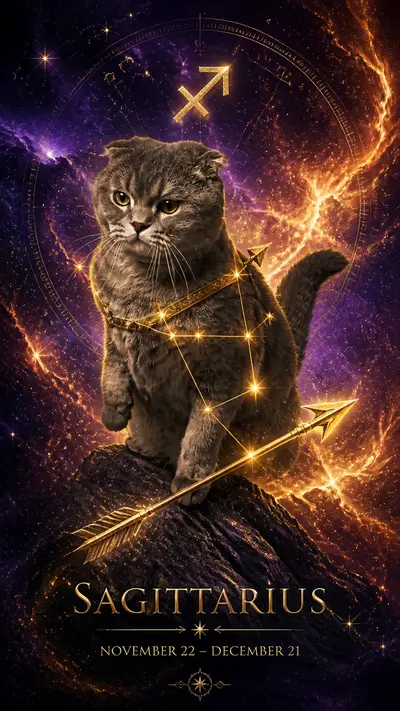
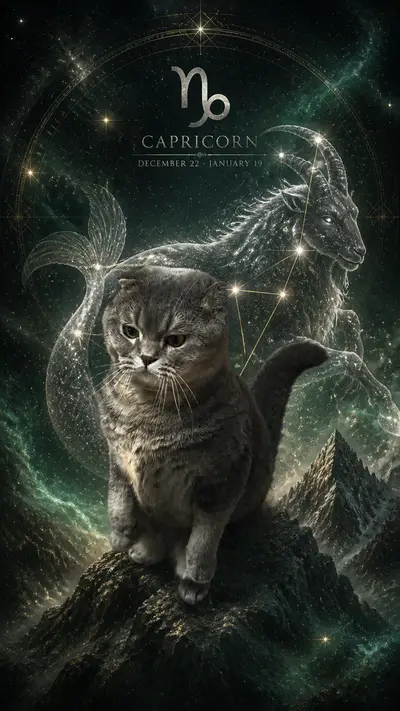
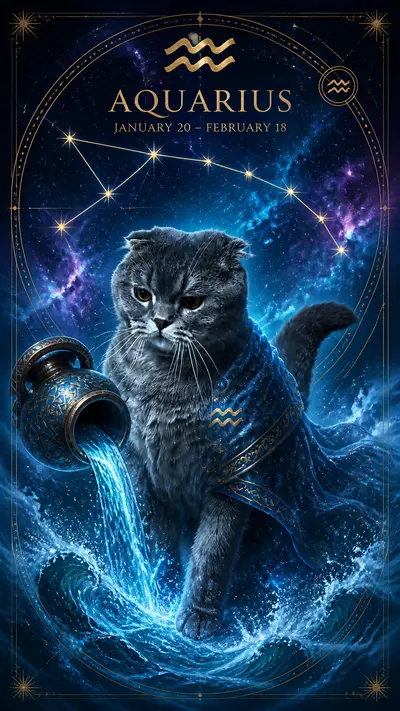
An advent calendar is the ultimate December series: one new AI style per day from December 1 to 24, each revealed as a Story, Short, or TikTok. Mix festive looks like Christmas Santa with crowd-pleasers like Royal Portrait, Astronaut ("Santa's backup pilot"), and Superhero ("saving Christmas"). Daily posting trains followers to come back, and the countdown format makes people want to see the finale. Generate all 24 images in one session so you're never stuck making content on a busy holiday evening.
Week 2: Holiday Cards and a "Twelve Styles" Carousel
By mid-December, people are sending cards, so share your pet's AI holiday card and tell followers how you made it. A Royal Portrait or Christmas Santa image makes a beautiful card front, and it prints well too. Then post a "Twelve Styles of Christmas" carousel showing your pet in twelve different looks and ask, "Which one goes on our card?" Carousels with a question get saved and commented on far more than single photos.
Week 3: Cozy Winter Aesthetics
Not every post needs to be loud. A soft Studio Ghibli scene of your pet by a frosty window or in a snowy village is perfect for the calmer, cozier audience that peaks in the week before Christmas. Pair it with a lo-fi or instrumental holiday track for Reels and Shorts. Anime Character works well here too for a "holiday special episode" vibe. These aesthetic posts tend to get saved and reshared, extending their reach well past the day you post them.
Week 4: Christmas Day and New Year's Eve
On Christmas Day, keep it simple: post your best image from the month with a warm caption and let the advent-calendar finale do the heavy lifting. Between Christmas and New Year's, post a "my pet's 2026 recap" carousel of every style you made this year. Close the month with a New Year's Eve post like "My pet's 2027 era," using an aspirational style such as Astronaut or Royal Portrait. Recap and resolution posts are some of the most-shared formats of the entire year.
Plan your pet's whole December in one afternoon — packs from $4.99, no subscription
165+ styles. No subscription. Results in 60 seconds.
Try Tail Frame FreeFrequently Asked Questions
December 1 at the latest, and late November is even better for building momentum. Holiday searches climb steadily through early December, so posting early gives the algorithm time to learn your account is a source of festive pet content.
Christmas Santa is the headline style. Royal Portrait makes elegant card fronts, Studio Ghibli is perfect for cozy winter scenes, and Superhero or Astronaut give you funny "saving Christmas" storylines.
Yes. Each image takes about 60 seconds, so you can generate a full 24-day advent calendar plus cards and recap posts in one session, then schedule everything out for the month.
Yes. Download your favorites from your gallery and print them as holiday cards, framed prints, or ornaments. See our Christmas card and gift guides for ideas.
There is no subscription. Credit packs start at $4.99 and never expire, so any leftover credits carry over into 2027.