







AI Pet Christmas Card Ideas 2026: Make Your Card Stand Out
Quick Answer
To make an AI pet Christmas card, generate a portrait on Tail Frame using a festive style, download at full resolution, add text with any card editing tool, and upload to a print service. Order by December 10 for standard shipping. The Santa outfit, royal Christmas, and winter wonderland styles work best for printed cards.
Most Christmas cards end up in a pile and get thrown out in January. An AI pet portrait card gets pinned to the refrigerator and stays there until February. There is something about a beautifully rendered portrait of someone's pet that people cannot bring themselves to discard. If you have a pet and you are sending Christmas cards this year, using an AI portrait is the single easiest way to make your card the most memorable one in the stack. This guide covers the best styles for printed cards, the best services to print them, how to decide between digital and print, and the exact timeline you need to order by to arrive before Christmas.
Style examples


Tap any style to see more examples →
Best AI Portrait Styles for Christmas Cards
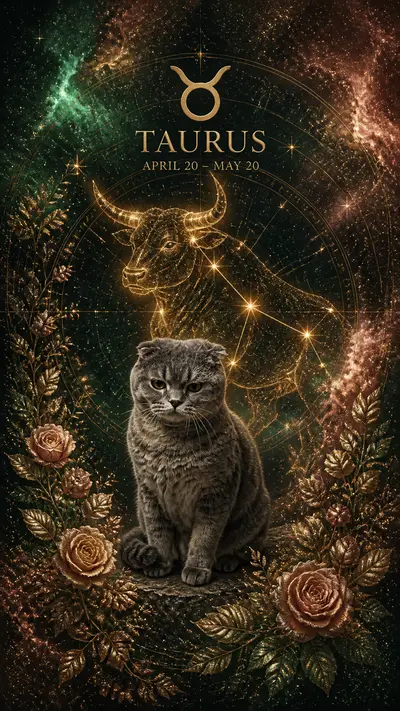
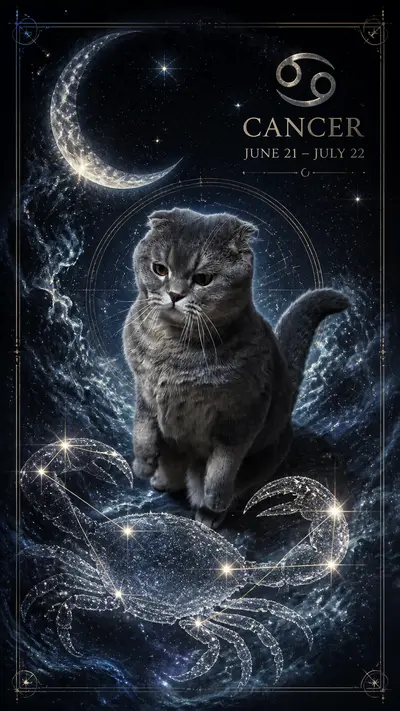
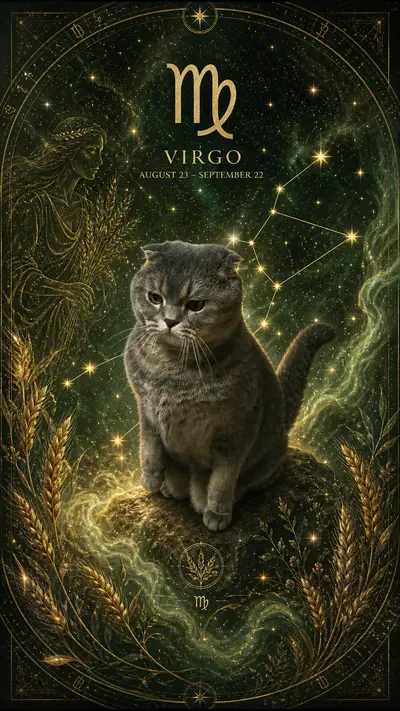
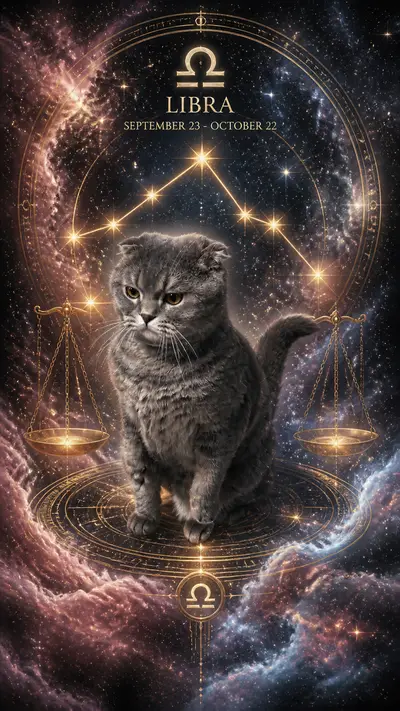
Not every AI portrait style translates equally well to a printed card. The best styles for Christmas cards are ones with clean compositions, strong foreground subjects, and seasonal color palettes that read well at 4x6 or 5x7 card size. The Santa outfit style is the top choice for Christmas cards because the red costume pops on any background and the subject reads immediately even at a small size. The royal Christmas style produces images that look genuinely expensive when printed, which makes them excellent gifts. The winter wonderland style has a soft, romantic quality that works beautifully in landscape format cards. Avoid styles with very dark backgrounds for print cards because print services sometimes flatten shadow detail. The Christmas card style on Tail Frame is specifically optimized for print dimensions with a clean border and portrait-orientation framing.
Digital vs Print: Which Works Better?
Digital Christmas cards have become mainstream and they have real advantages: zero printing cost, instant delivery, and easy to send to hundreds of people at once. An AI pet portrait works extremely well as a digital card delivered via email or group message. The image quality is sufficient for any screen. That said, printed cards create a fundamentally different experience. A printed card can be displayed. It is a physical object that signals effort and intention. Surveys consistently show that recipients value printed cards more than digital ones. For your closest family and friends, print is worth the cost. For extended contacts, acquaintances, and colleagues, digital is efficient and still distinctive when the image is an AI pet portrait. Use both: generate one portrait on Tail Frame, order 25 printed cards for family, and send the digital version to everyone else.
Best Printing Services for AI Pet Portrait Cards
The top printing services for custom photo cards in 2026 are Minted, Artifact Uprising, Chatbooks, Mpix, and Canva Print. Minted has the best paper quality and premium finishes but costs more per card. Artifact Uprising is the top choice for keepsakes and framed prints. Chatbooks is the most affordable option for bulk holiday card orders. Mpix has fast turnaround and good quality control. Canva Print integrates with Canva's design tools, which makes it easy to add text and layout before ordering. For AI pet portraits specifically, choose a service that offers flat photo cards rather than folded cards: the portrait looks best without a fold line across it. Order at least 25 cards to get the best per-card pricing at most services.
How to Add Text and Design Your Card
Once you download your AI portrait from Tail Frame, you have a high-resolution image ready to drop into any card design tool. Canva is the easiest free option: create a new project in card dimensions, upload your portrait, and add a Christmas greeting in a font that complements the portrait style. For royal Christmas and formal portrait styles, use a serif font in gold or cream. For Santa outfit and funny styles, a bold sans-serif in white or red works better. Keep the text minimal: "Merry Christmas from [name] and [pet name]" is enough. The portrait does the heavy lifting. Most print services have their own design tools built in, so you can upload the portrait directly and add text on their platform without needing Canva. Always preview in the print service's tool before ordering to check that the composition works at card size.
Christmas Card Ordering Timeline for 2026
The timeline for Christmas cards is tighter than most people realize. Here are the key dates for 2026. November 1 to 15 is the ideal window to generate your portrait, design your card, and place your order for the best selection of paper types and finishes. November 15 to 30 is still comfortable for most print services with standard shipping. December 1 to 10 is the last reliable window for standard shipping at most US services. After December 10, switch to expedited shipping or look for print services with in-store pickup options. After December 18, only same-day in-store printing is reliable for Christmas delivery. For international cards, add 7 to 10 days to all of these dates. The safest approach is to generate your portrait this week, order by the end of November, and have everything handled before the December rush.
Generate your Christmas card portrait on Tail Frame now, packs from $4.99
165+ styles. No subscription. Results in 60 seconds.
Try Tail Frame FreeFrequently Asked Questions
Tail Frame exports portraits at full resolution suitable for printing at 8x10 inches at 300 DPI. This is more than sufficient for standard 4x6 or 5x7 holiday cards. The file is print-ready without any upscaling needed.
Yes. You own the rights to all portraits generated on Tail Frame and can use them with any print service worldwide. Simply download the file and upload it to Minted, Mpix, Artifact Uprising, or whichever service you choose.
For standard US delivery before December 25, order by December 10. For expedited shipping, December 18 is typically the cutoff. For in-store same-day printing at services like Walgreens Photo or CVS, December 22 or 23 is feasible.
One credit generates one portrait. If you want to compare two or three styles before picking one for your card, that costs two or three credits total. A 10-credit pack at $4.99 gives you plenty of options.
Yes. Generate separate portraits of each pet, then combine them in Canva or your print service's design tool. Place both portraits side by side or use a card template with two image slots. This works especially well for households with both a dog and a cat.