








10 AI Dog YouTube Video Ideas That Get Views in 2026
Quick Answer
The best AI dog YouTube video ideas in 2026 are transformation reveals ("my dog as a superhero"), style tier lists, "my dog in every era" timelines, astronaut and space-mission stories, royal-portrait glow-ups, anime openings starring your dog, and seasonal Shorts like Halloween and Christmas costume reveals. Upload one photo to Tail Frame, generate styles like Superhero, Astronaut, Royal Portrait, and Anime Character in about 60 seconds each, then edit them into Shorts or long-form videos. Credit packs start at $4.99 and never expire.
Dog content has always done well on YouTube, but in 2026 the channels growing fastest are the ones mixing real footage with AI transformations. A ten-second clip of a Labrador morphing into a caped superhero hooks viewers in a way a normal fetch video simply can't, and it makes your channel instantly recognizable. The good news is that you don't need animation skills or a studio. With one clear photo of your dog and a few Tail Frame styles, you can produce a full week of uploads in an afternoon. Here are ten AI dog video ideas that consistently pull views, how to structure each one, and the styles that make them pop.
Style examples
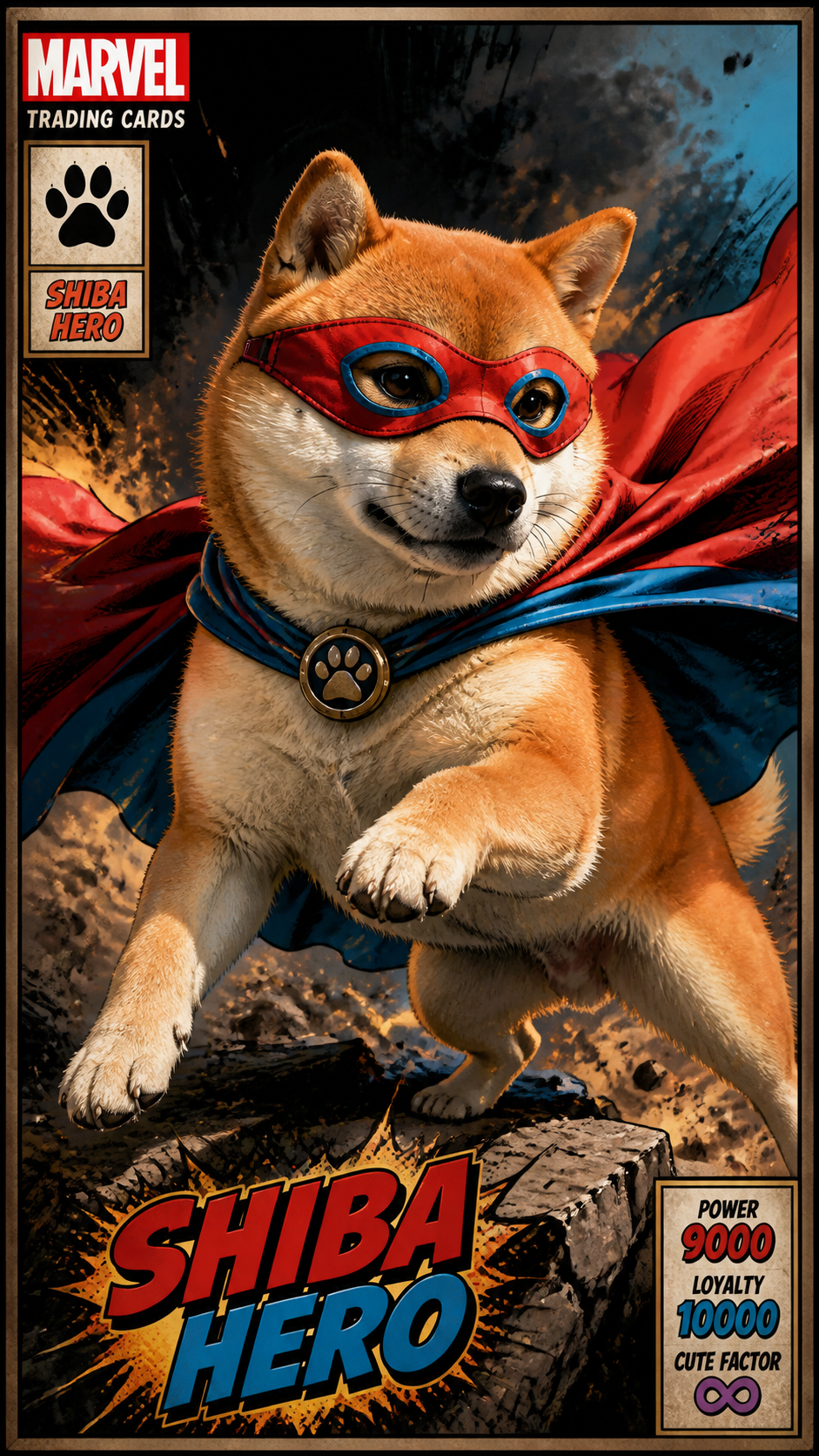
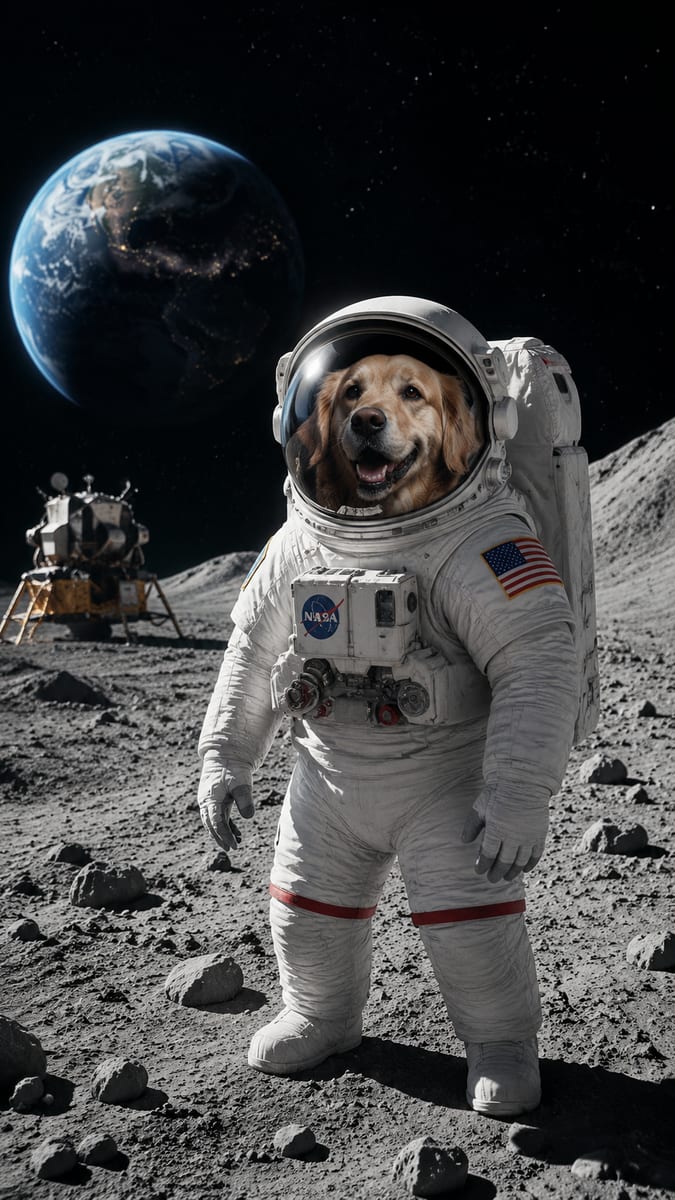
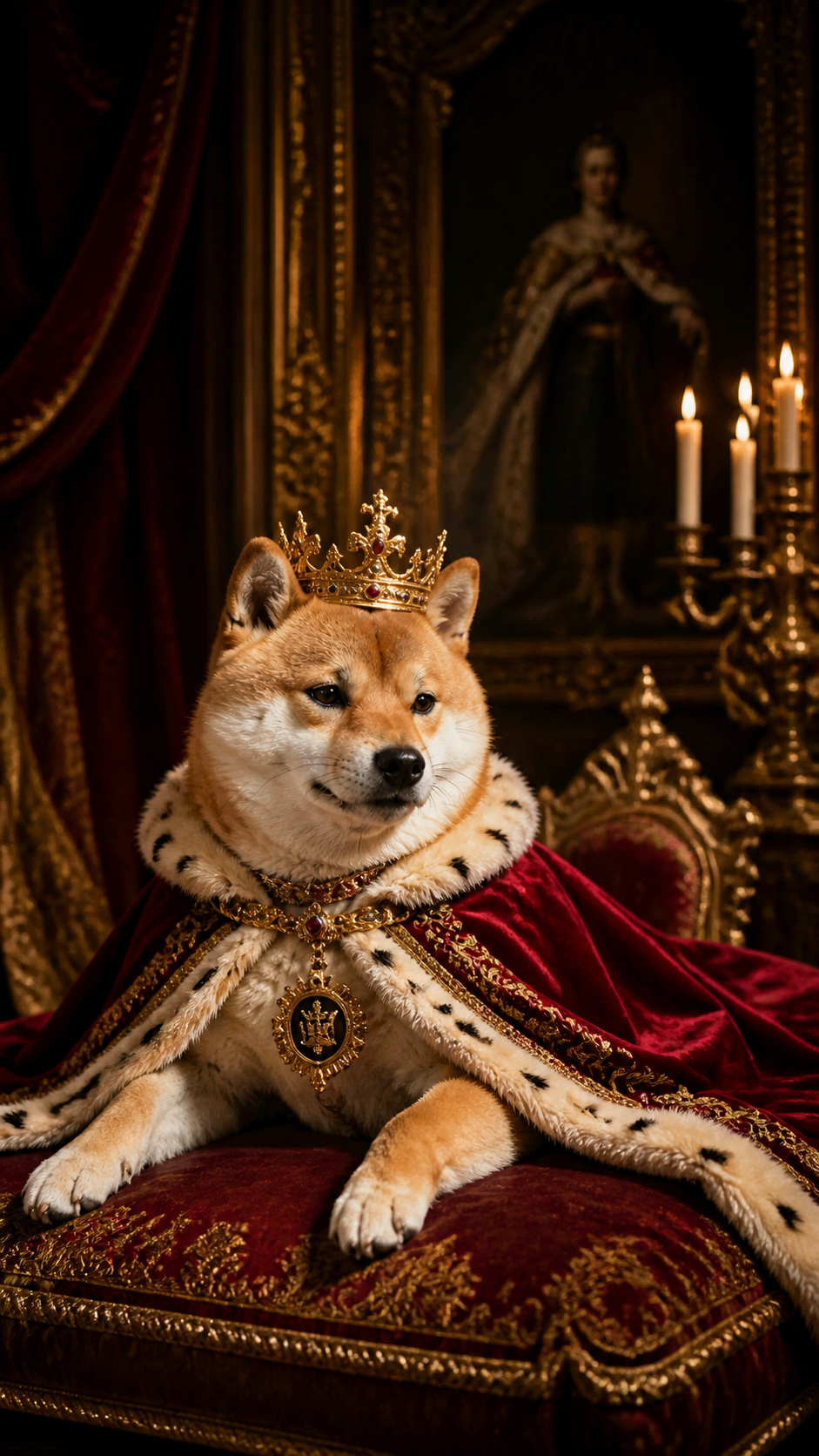
Tap any style to see more examples →
Ideas 1–3: Transformation Reveals That Hook in Two Seconds
Idea 1 is the classic "My Dog as a Superhero" Short: open on your dog doing something ordinary, then hard-cut to the Tail Frame Superhero style with a dramatic sound effect. Idea 2 is the "Astronaut Dog" mission log, where you narrate your dog's first trip to space using the Astronaut style and a few real clips of them "training" in the backyard. Idea 3 is the "Royal Glow-Up," pairing a muddy-paws photo with the regal Royal Portrait style and a voiceover like "Sir Biscuit, Duke of the Couch." All three work because the payoff lands in the first two seconds, which is exactly what the Shorts algorithm rewards.
Ideas 4–6: Series Formats That Build Subscribers
Idea 4 is a style tier list: generate your dog in eight to ten styles and rank them S to F, inviting viewers to argue in the comments. Idea 5 is "My Dog in Every Era," moving from Royal Portrait (the 1700s) through Superhero and Astronaut to a futuristic finale, which makes a perfect five-to-eight-minute long-form video. Idea 6 is an "Anime Opening" where you cut your dog's Anime Character and Studio Ghibli images to a dramatic anime-style soundtrack. Recurring formats like these give viewers a reason to subscribe, because they know another episode is coming.
Ideas 7–8: Audience Participation Videos
Idea 7 is "Subscribers Pick My Dog's Costume," where you post a community poll, generate the winning style, and reveal it in the next Short. Idea 8 is "Guess the Breed From the AI Portrait," using Tail Frame on several dogs (yours, friends', or neighbors') and asking viewers to guess before the real photo appears. Participation videos drive comments, and comments are one of the strongest signals YouTube uses to push a video to new viewers. They also give you an endless supply of future video topics straight from your audience.
Ideas 9–10: Seasonal Uploads That Ride Search Spikes
Idea 9 is a Halloween transformation compilation using Halloween Vampire and Halloween Witch, ideally uploaded in early October so it ranks before the October 31 peak. Idea 10 is a Christmas special starring your dog in the Christmas Santa style, posted in late November or early December when "dog Christmas" searches surge. Seasonal videos get a second life every year, so a well-titled upload keeps pulling views long after you post it. Reuse the same images as thumbnails, Community posts, and Shorts to squeeze maximum reach from one session.
Production Tips: Thumbnails, Titles, and Workflow
Start with a sharp, well-lit photo where your dog's face fills most of the frame, then generate each style two or three times and keep the best. Use a split-image thumbnail (real dog on the left, AI version on the right) with three or fewer words of text, because the contrast is what earns the click. Titles that promise a transformation, like "I Turned My Golden Retriever Into a Superhero," consistently outperform generic ones. Batch-generate a month of styles in one sitting and schedule uploads, so your channel stays consistent without daily editing marathons.
Turn your dog into a YouTube star in 60 seconds — packs from $4.99, no subscription
165+ styles. No subscription. Results in 60 seconds.
Try Tail Frame FreeFrequently Asked Questions
Yes. The images you generate on Tail Frame of your own dog are yours to use in your videos, thumbnails, and Shorts. Just pair them with original editing, voiceover, or commentary, which is what YouTube wants to see on monetized channels anyway.
Superhero, Astronaut, and Royal Portrait are the most reliable view-getters because the transformation is instantly readable. Anime Character and Studio Ghibli work great for music-driven Shorts, and Halloween Vampire and Christmas Santa are ideal for seasonal uploads.
Both. Use Shorts for single transformation reveals to grow reach fast, then turn the best-performing styles into long-form formats like tier lists or "My Dog in Every Era" to build watch time and subscribers.
About 60 seconds per image. You can generate enough styles for a full week of uploads in under half an hour, and everything saves to your gallery automatically.
There is no subscription. Credit packs start at $4.99 and never expire, so you can generate a batch now and save leftover credits for Halloween and Christmas videos.